Turning Everyday Reading into a Record: Introducing Book Towers
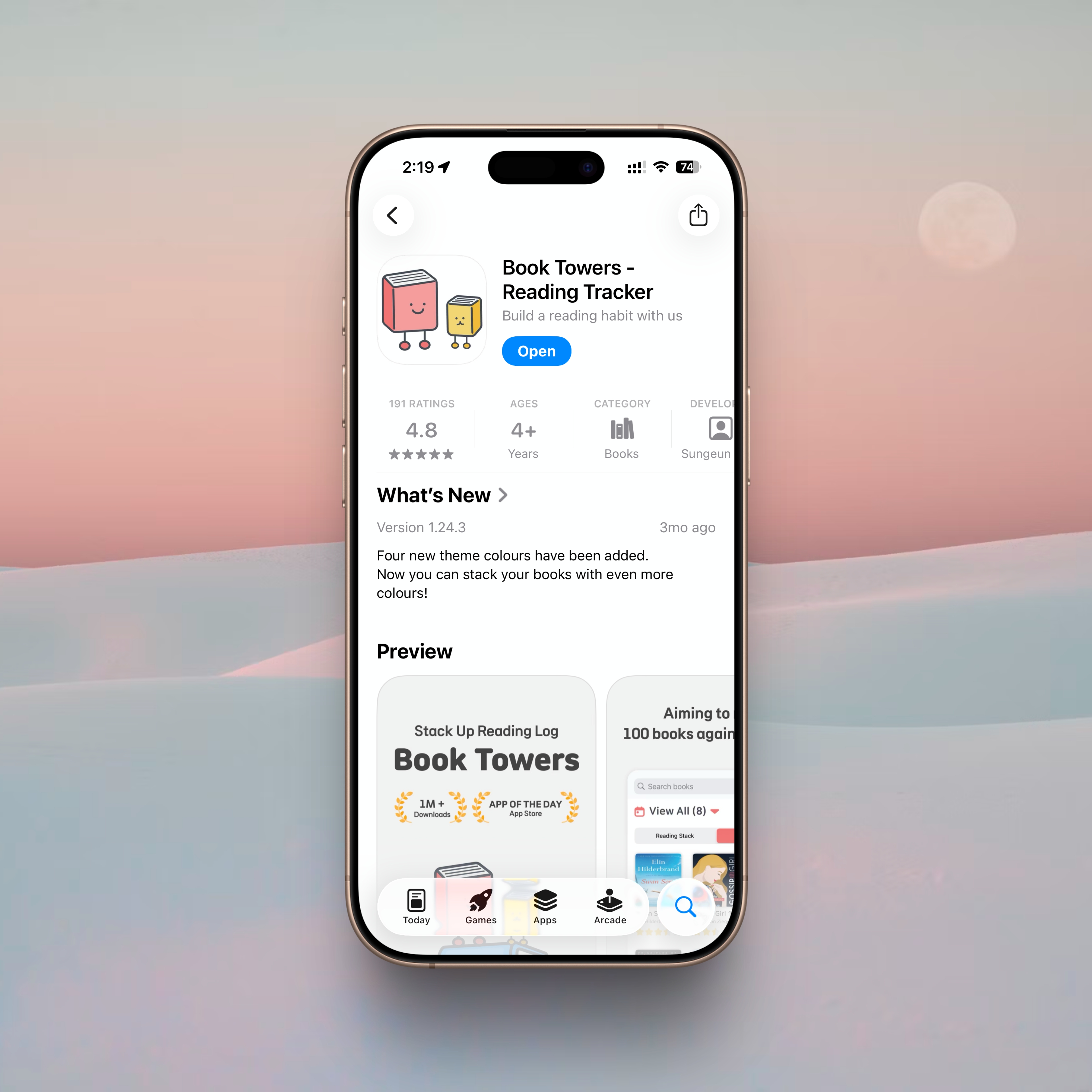
I’ve always felt that one of the clearest ways to understand the rhythm of my day is to look at what I’m reading. There are the books I open to study, the ones I read in advance for book-club conversations, and the lighter titles I reach for when I want to soften the fatigue of my commute home. Reading enters my life for many different reasons, carrying with it varying moods and intentions. And over time, recording what I’ve read has become just as meaningful as the reading itself.
Analog journaling still has its charm, of course, but a method that only works in one place doesn’t match the way I actually read. I move around a lot; I read in small pockets of time throughout the day. I needed a digital reading log that could follow me everywhere. After trying out several apps, one recently began to stand out—an app whose warm, inviting name fits the way it’s designed: Book Towers.
For readers who juggle different books for different purposes—those who naturally read in parallel—this app becomes a surprisingly good companion.
Home: The Small Joy of Seeing Your Reading at a Glance
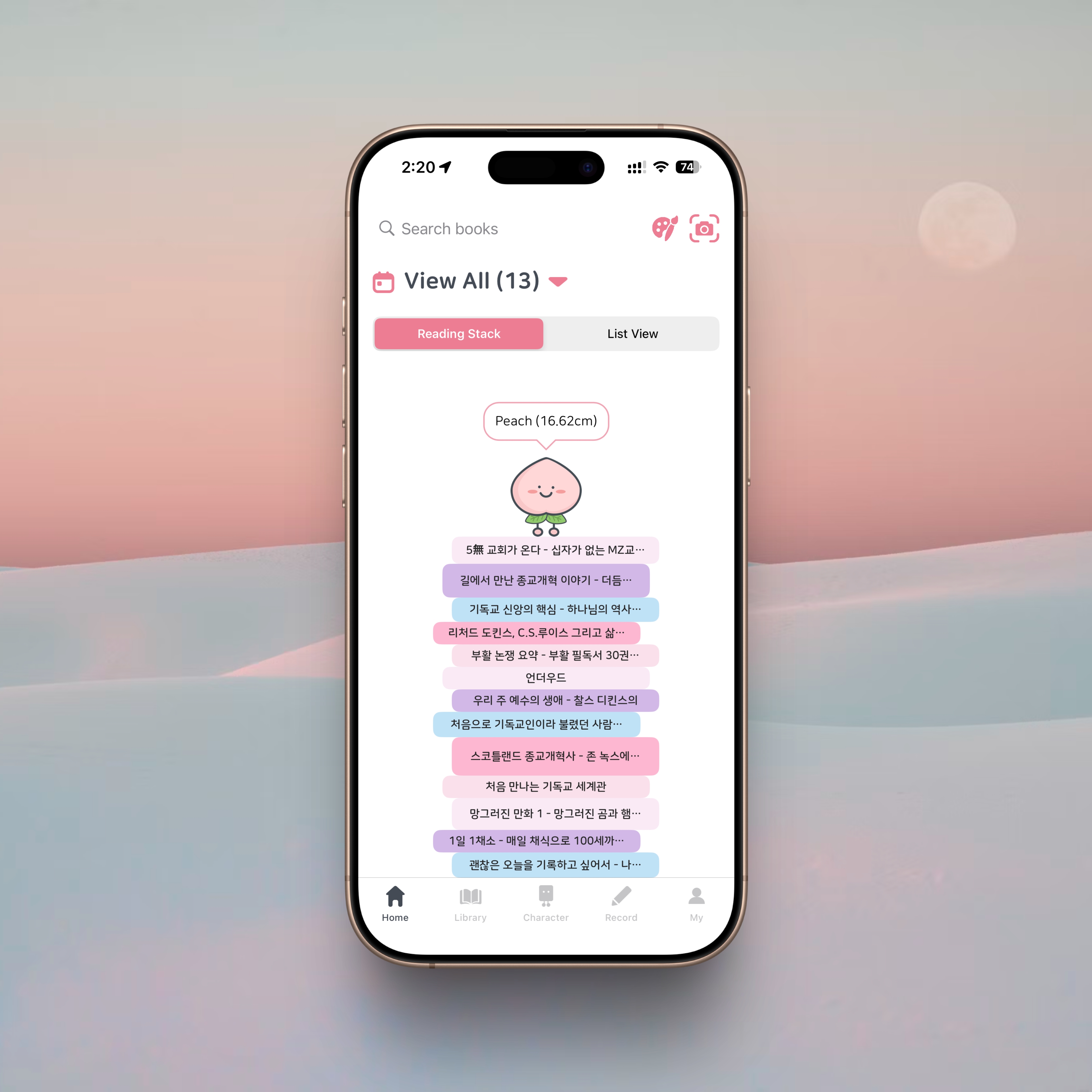
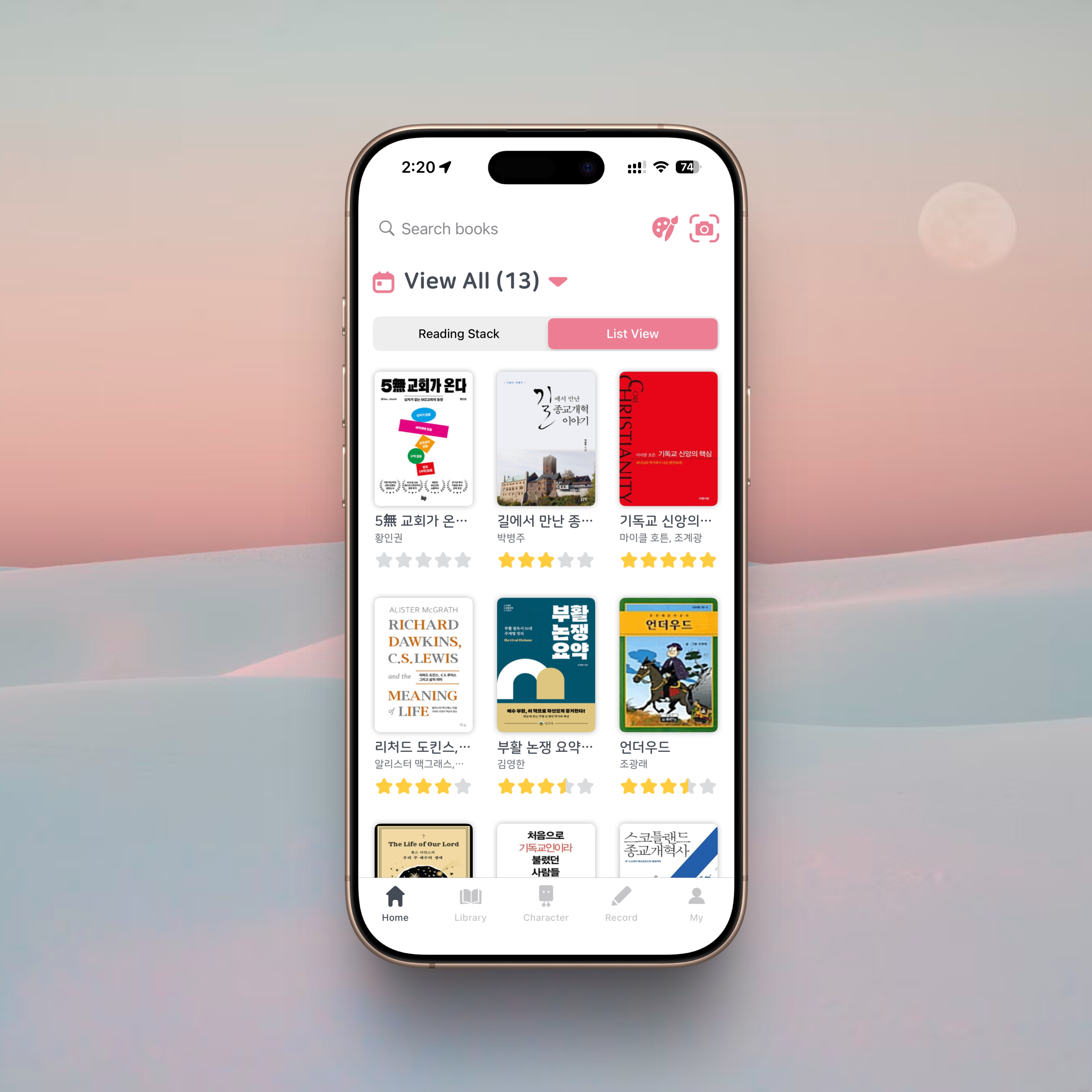
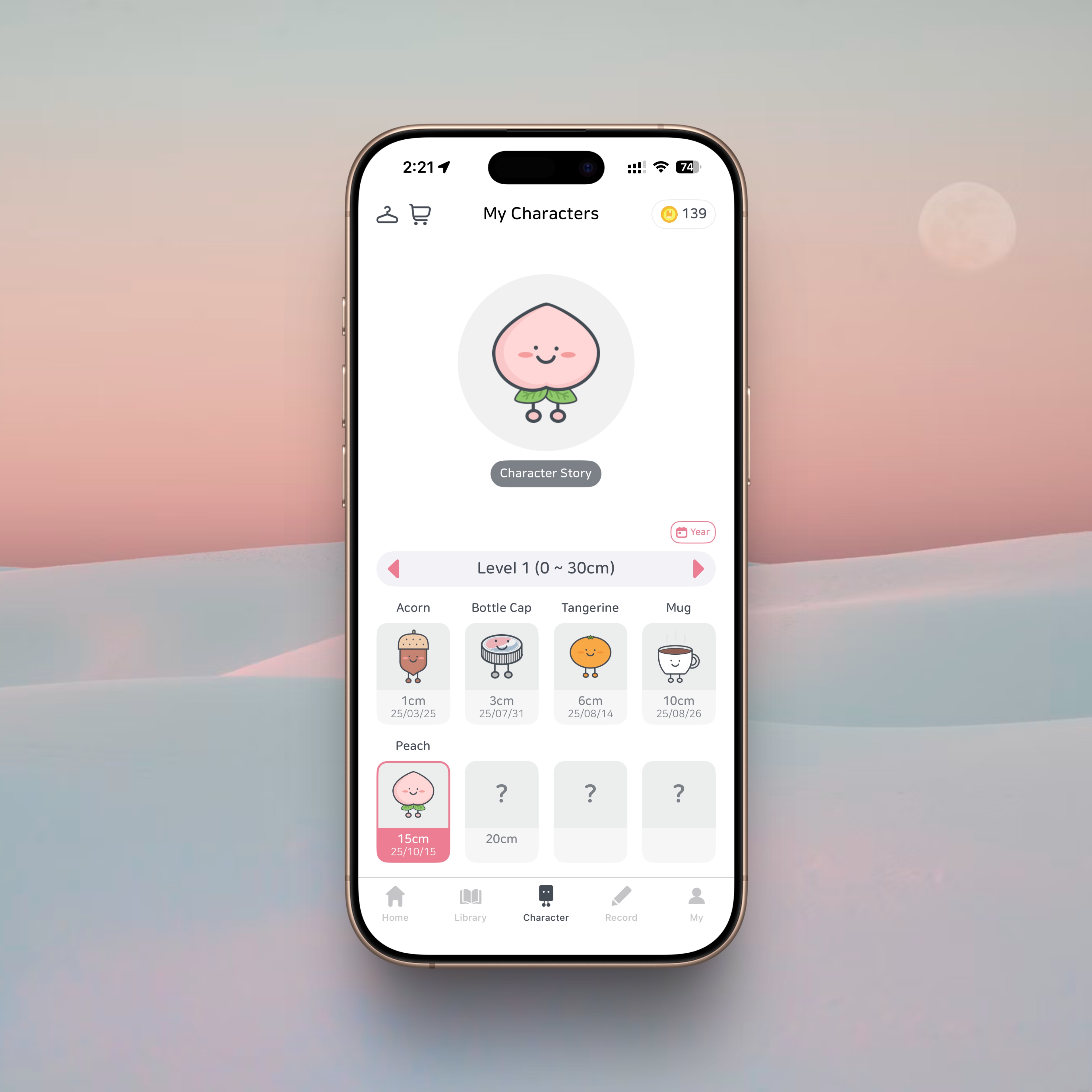
The first thing you see when you open Book Towers is a visual overview of your current reads. Instead of listing titles in a plain vertical lineup, the app stacks your books as though you’re building a little reading tower, complete with charming characters and themed designs. Each time you finish a book, the tower grows taller—a small but strangely effective motivation to keep reading. That simple act of visualizing progress can be powerful, especially in a habit that thrives on consistency.
At the top of the Home tab, you’ll find the book registration feature. You can search by title or scan the ISBN to add a book instantly. Many reading apps lose users at this exact step—book registration feels tedious, and the habit collapses. But Book Towers handles this gracefully. Even in cases where a book might not appear in search results, manual entry is supported. In practice, though, I’ve never had a title fail to show up.
Library: A Clean Archive of Everything You’ve Read
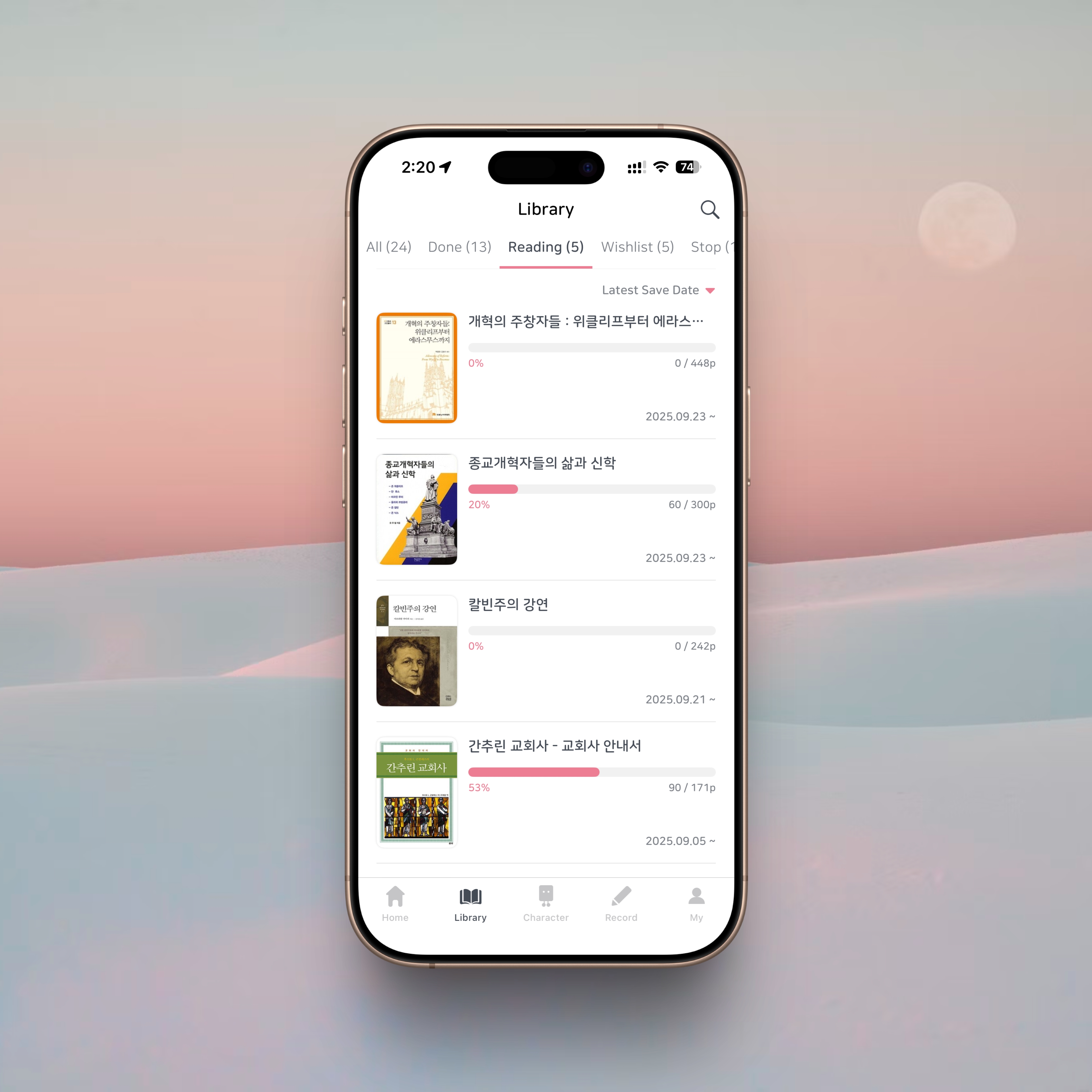
The Library tab in Book Towers feels like stepping into a personal bookshelf.
Your titles are categorized into four groups:
• books you’ve finished,
• books you’re currently reading,
• books you want to read,
• and books you’ve paused.
When you finish a book, you can leave a star rating and a brief comment. Over time, these notes form a small archive of your reading journey. The built-in search function is also helpful for revisiting books you’ve logged in the past.
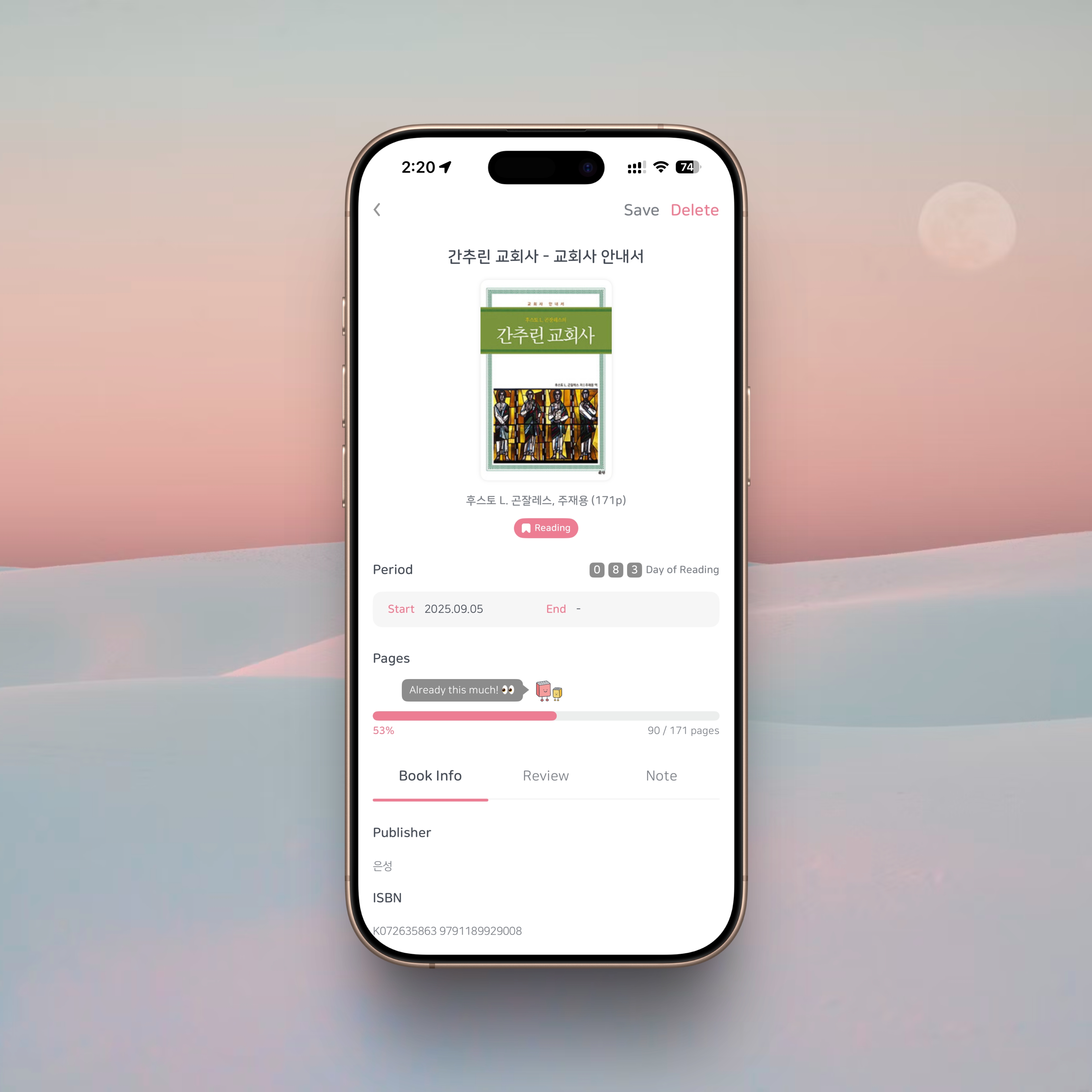
The section I return to the most is Currently Reading. Here, the app organizes:
• your reading start and end dates,
• your progress,
• page-based or percentage-based tracking (for digital editions),
and any notes you’ve saved.
Updating your progress after each reading session gives you a clear snapshot of where you are across multiple books—a practical feature for anyone who reads several titles at once.
Notes: Gathering Thoughts from the Pages

The Notes tab collects all the highlights and reflections you’ve saved. You can store notes as text or attach photos of book pages. Personally, I don’t rely heavily on this feature—not because it’s poorly designed, but because I still enjoy processing ideas by handwriting them before organizing them into a document. For readers who prefer digital annotation, this will feel familiar and useful. For others, it’s a feature that remains optional without getting in the way.
My Page: A Calendar for Your Reading Rhythm
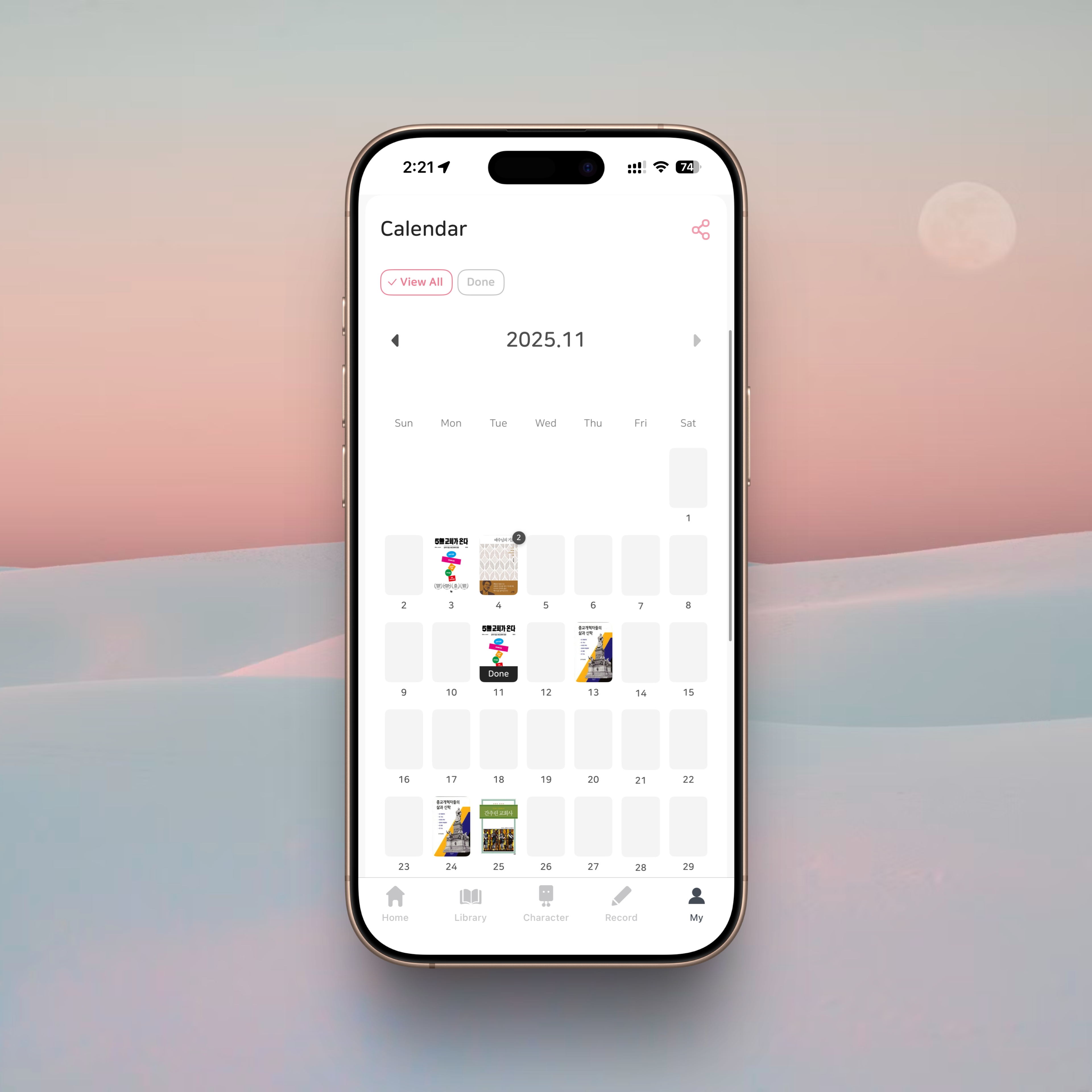
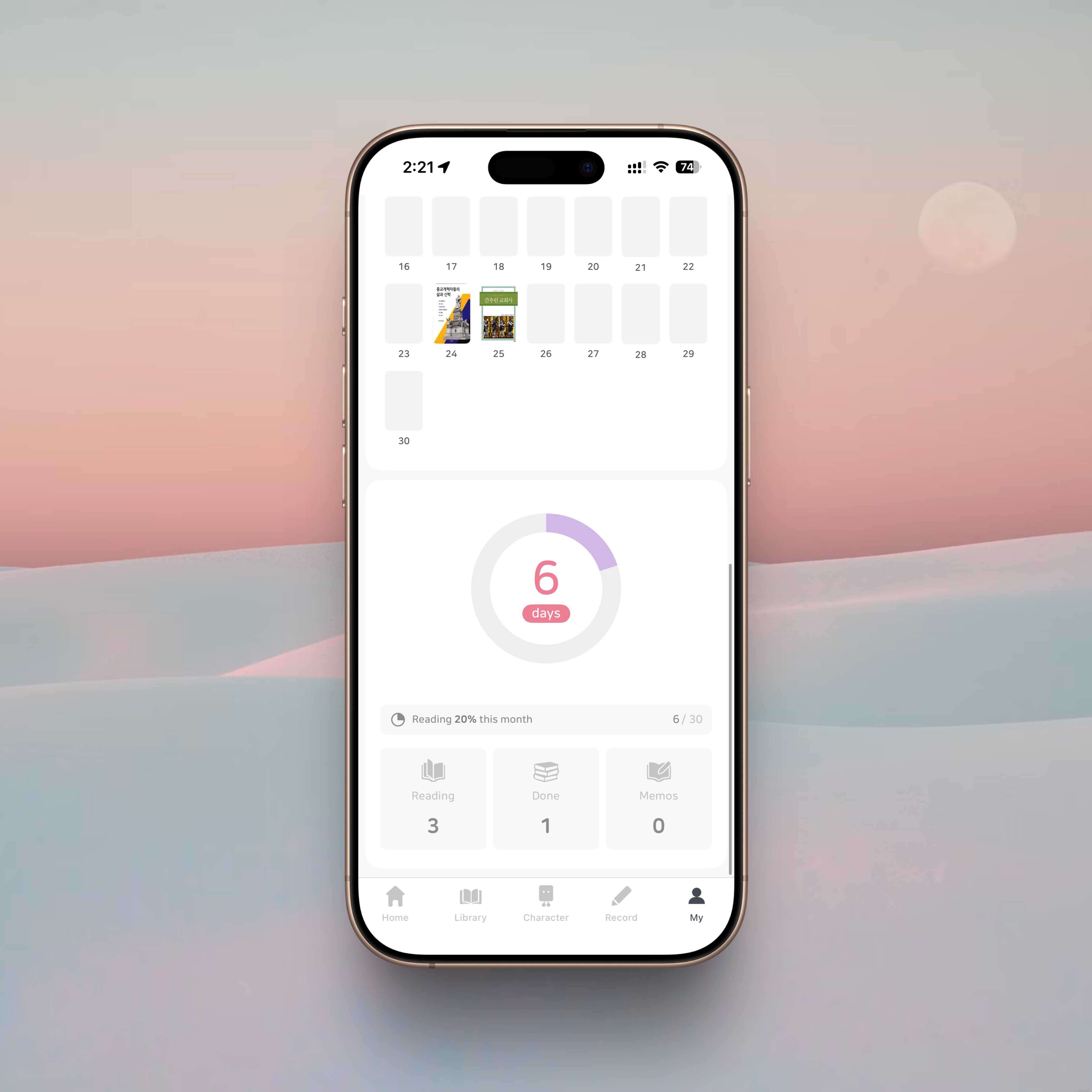
Another feature I genuinely appreciate in Book Towers is the reading calendar.
It shows which books you started or completed on specific dates, creating a clear, month-by-month map of your reading life. Below the calendar, the app summarizes your monthly reading statistics—a small but satisfying way to check your consistency and pacing.
Seeing it laid out visually helps you understand how books have woven into the flow of your days.
Strengths and Limits of Book Towers
Book Towers offers plenty of features, but the one that stands out most to me is simple: it helps you manage what you’re reading, and how much you’ve read, with clarity. For parallel readers, this alone makes the app worth using.
The reading tower visualization is another subtle delight—a playful design choice that encourages you to keep going. It turns reading into a visible accumulation of time, effort, and pleasure.
On the other hand, readers who want a deep, structured space for literary reflection or extensive note-taking may find the app a bit limited. Book Towers is designed more for reading management and motivation, not for heavy-duty knowledge archiving or long-form reviews. Its focus is intentional—and it does that job well.
Closing Thoughts
Ultimately, a reading log succeeds when it adapts to the way you read. Book Towers fits naturally into my routines. It smooths out the flow of my reading life, keeps track of the books I’m moving between, and makes the act of reading feel lighter and more enjoyable.
If you often move across multiple genres or switch between books depending on mood or purpose, this app may become a surprisingly thoughtful companion—one that helps your daily reading leave a visible trace.
About Author

faith.log
A journal that connects faith and everyday life. In each small piece of writing, we share the grace of God and the depth of life together.


