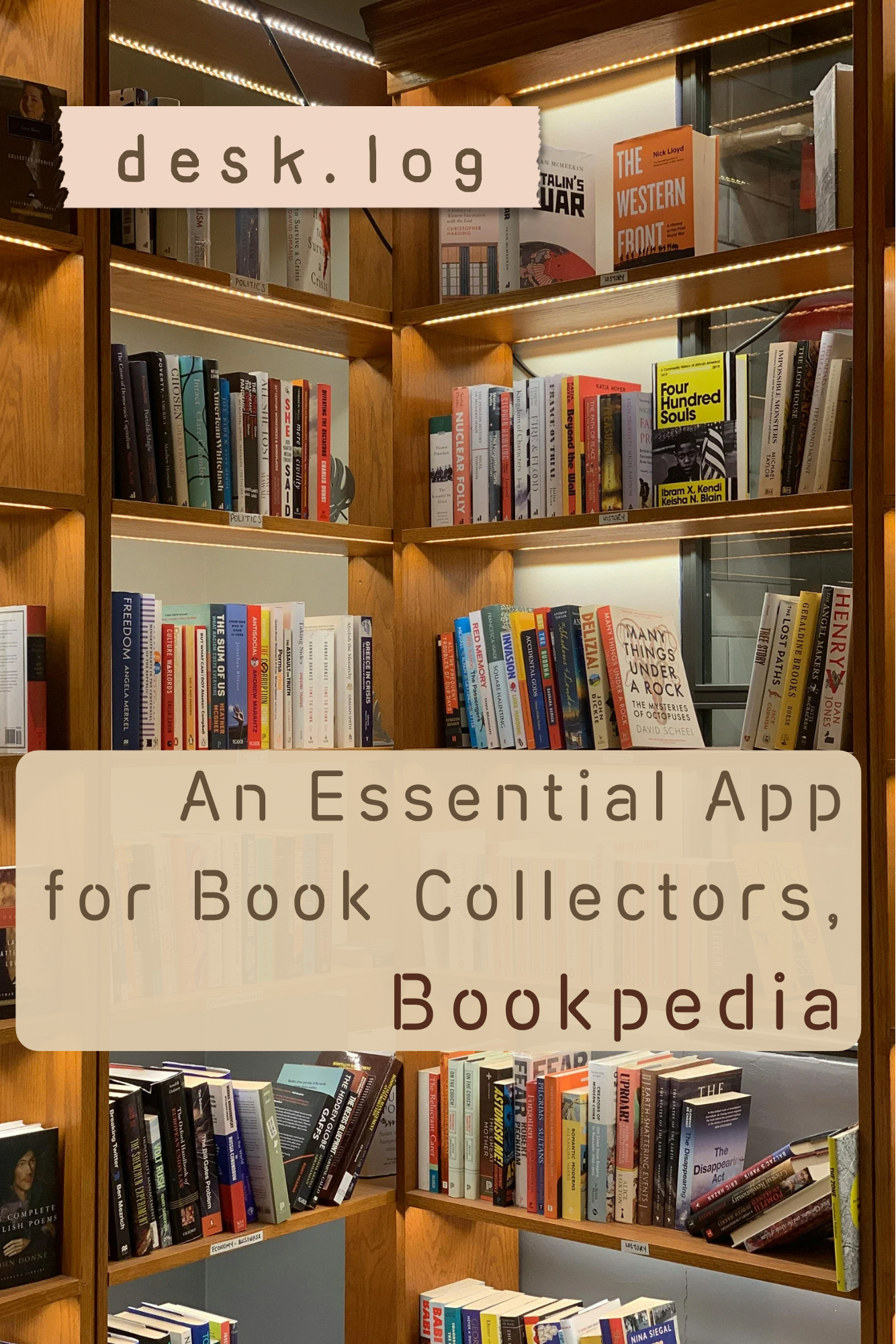
Among those who love books, there are readers—and then there are collectors. I belong to the latter group. Despite having reorganized my bookshelves twice over the years, I still own a considerable number of books. These days, I usually read an e-book first when a digital version is available, and only purchase a physical copy if the book feels worth keeping. Even so, the steady growth of a personal library is difficult to stop.
Just as physical books require shelves to be managed properly, digital tools are essential for organizing books in a meaningful way. Knowing which books I own, how I felt about them, or leaving even brief notes makes a significant difference in how manageable a collection becomes. Out of this need, there is one app I have relied on for nearly a decade: Bookpedia, a Mac-exclusive book management application.
A Practical Tool for Registering and Managing Your Personal Library
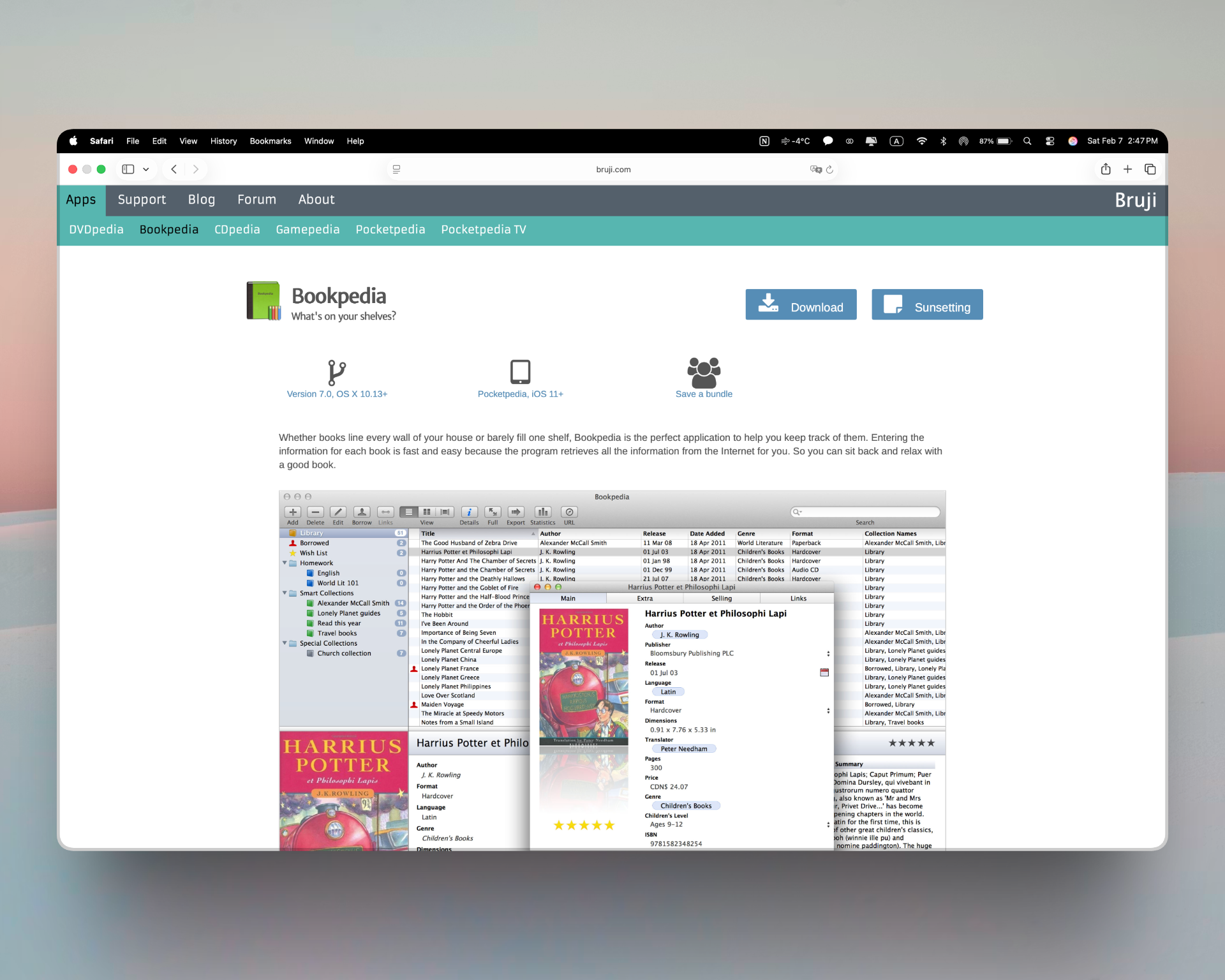
Bookpedia is best described as a tool that allows you to curate your own private library. Registering books is straightforward. By clicking the “Add” button and entering an ISBN, the app retrieves book data from more than ten international sources. Beyond the automatically imported information, users can manually add or edit details as needed.
In practice, most foreign-language books are registered seamlessly. Korean titles, however, sometimes import incomplete data, requiring manual adjustments. While this can be slightly inconvenient, it has never been a serious obstacle to using the app effectively.
ISBNs can be entered manually, but Bookpedia also supports barcode scanning. My wife, who works as a librarian, suggested using a barcode reader, and the difference was immediately noticeable. Registration became significantly faster and smoother. For those who enjoy managing their collection in a more library-like fashion, investing in a barcode scanner can be a surprisingly enjoyable addition.
An Interface Designed for Clear and Intuitive Browsing
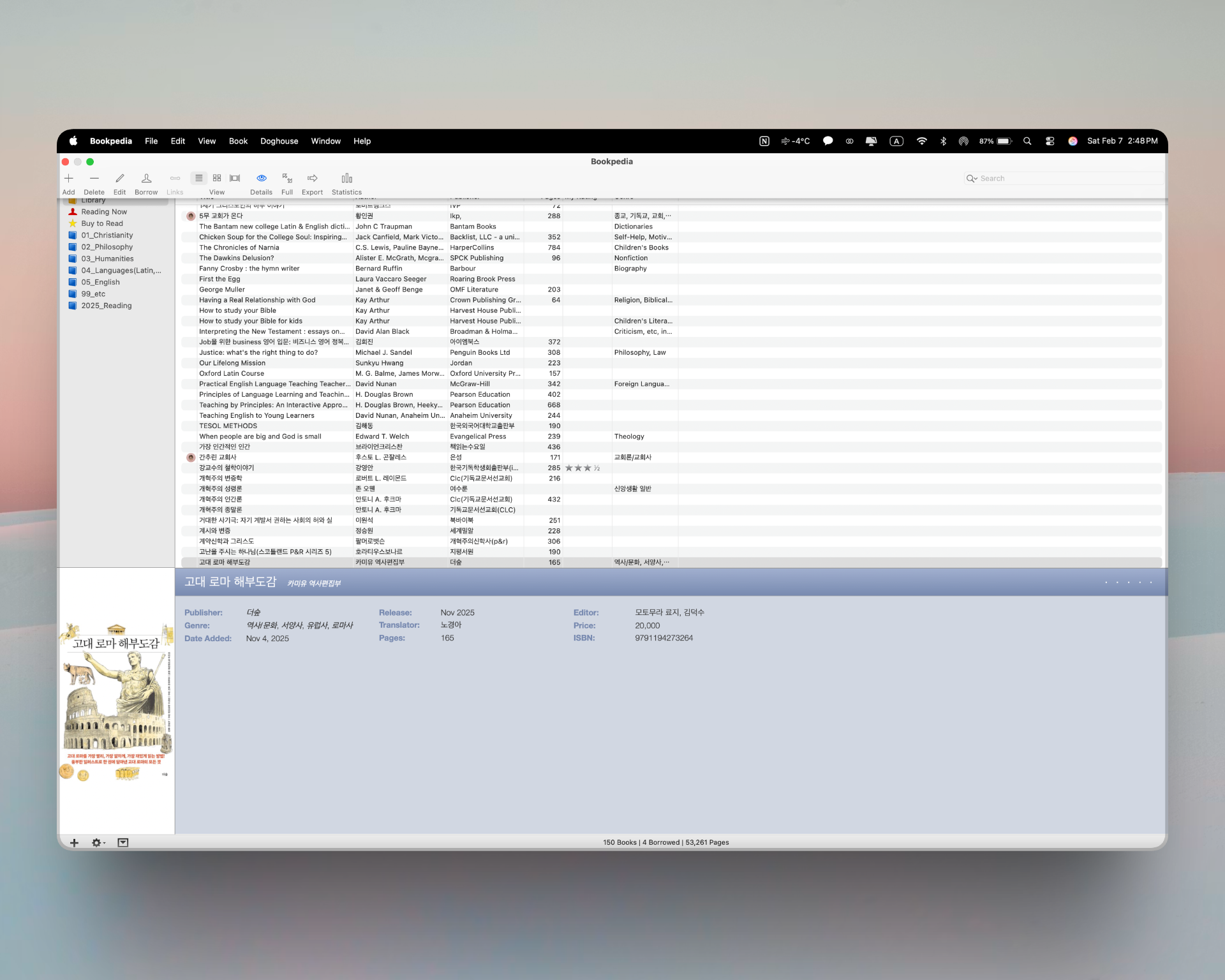
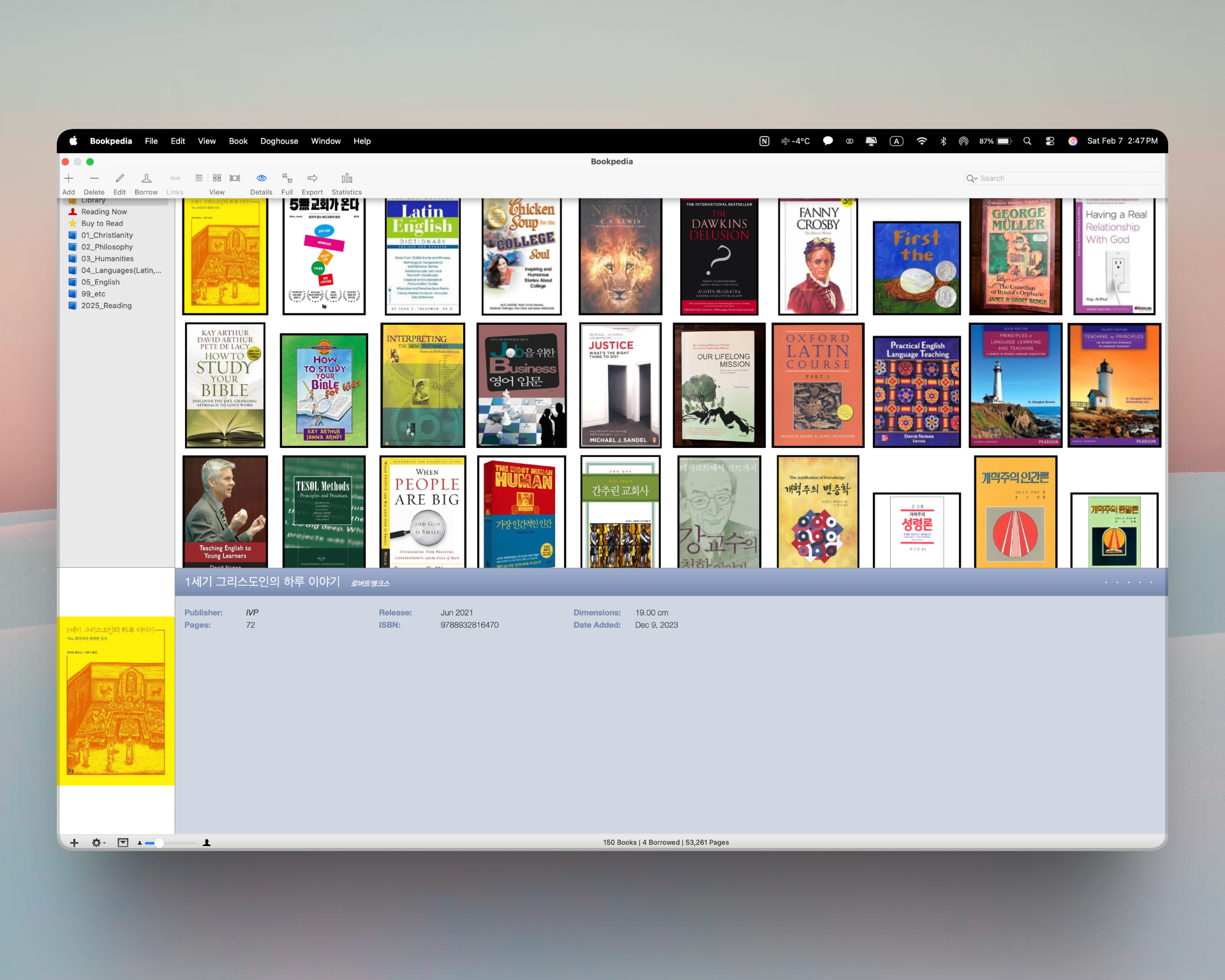
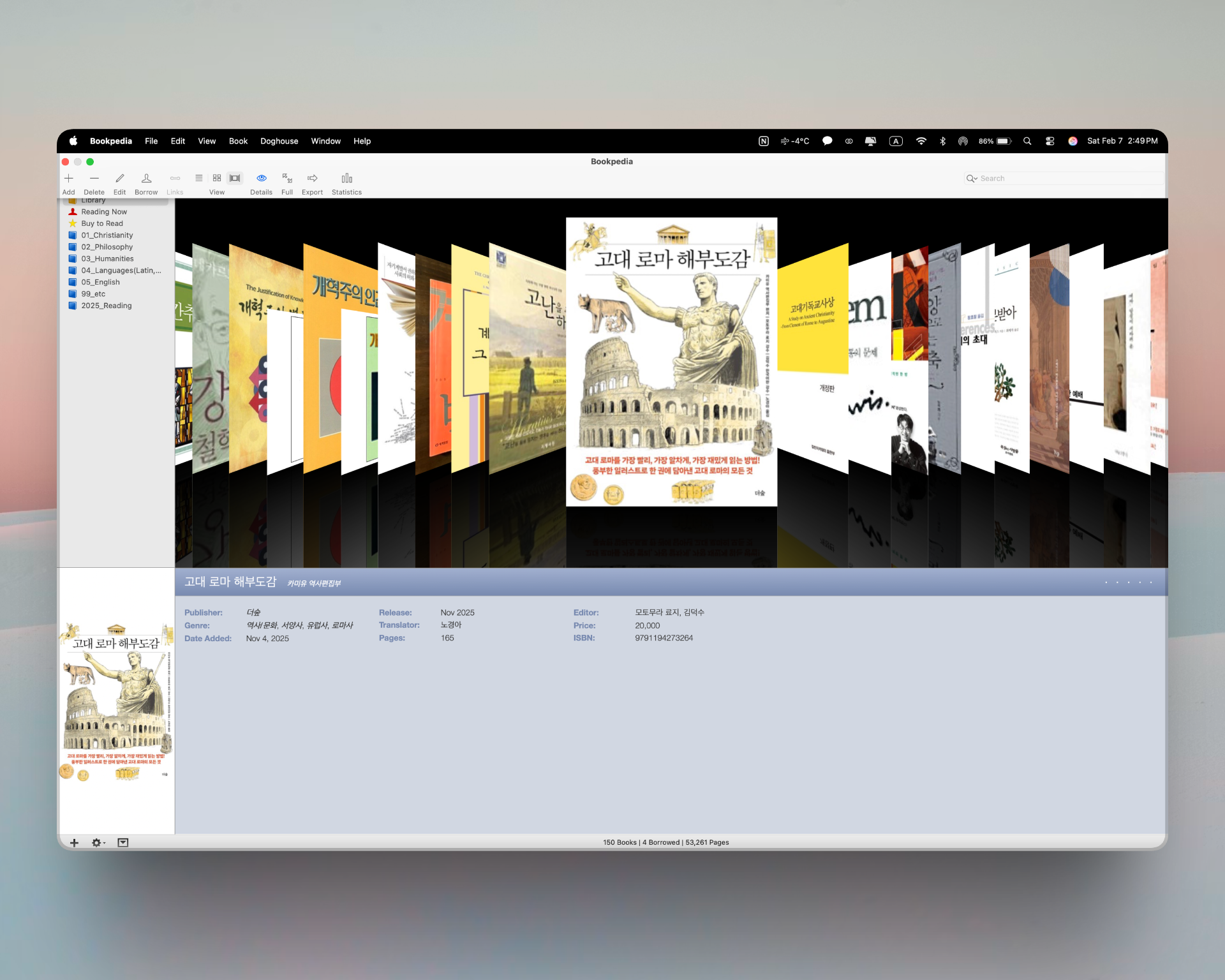
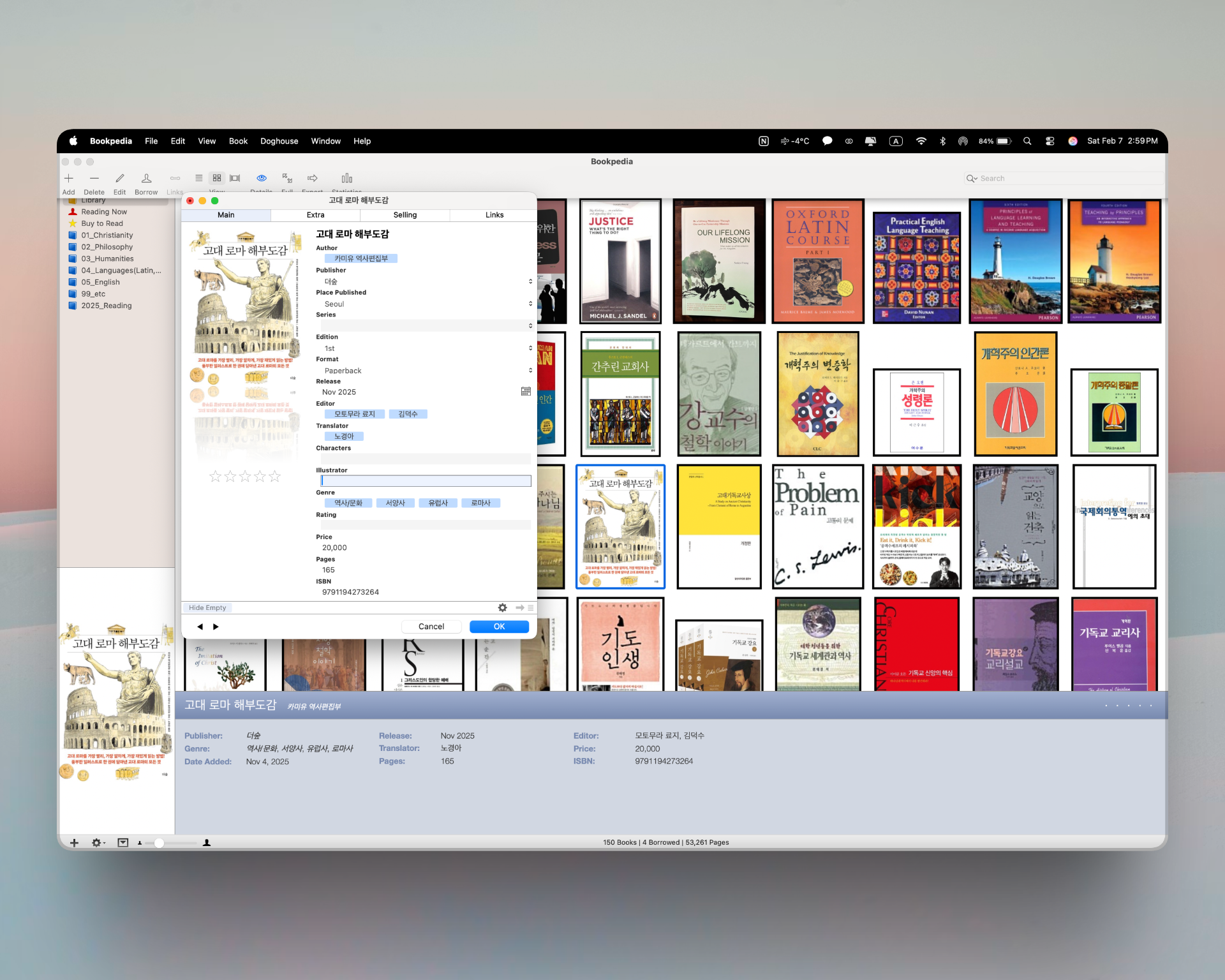
Once books are registered, the strength of Bookpedia’s interface becomes evident. The app offers three viewing modes: List, which displays detailed information efficiently; Grid, which showcases multiple book covers at once; and Cover Flow, which mimics the tactile experience of browsing physical books.
While I use all three depending on the situation, Grid view remains my default. Being able to recognize books instantly by their covers adds a visual pleasure that feels both intuitive and personal.
Books can also be organized into folders based on subject or purpose. I tend to categorize them according to how and why I read them, which makes locating a specific title far quicker and more efficient.

The Statistics feature is another highlight. It allows users to analyze their collection by author, publisher, publication year, genre, translator, and more. If you assign ratings after finishing a book, those preferences are reflected in the statistics as well, offering a revealing overview of one’s reading habits over time.
A Library-Style Lending and Returning System
One of Bookpedia’s most distinctive features is its lending and returning system. When friends or guests borrow books from my home, I can easily track the loan date, expected return date, and actual return status.
Interestingly, I also use this feature for myself. When I start reading a book, I mark it as “checked out,” and when I finish, I “return” it. This simple ritual helps me stay focused, encourages completion, and provides clarity when reading multiple books in parallel. The statistics showing which books have been “borrowed” most frequently add another layer of insight into my reading patterns.
As with registration, lending and returning can be handled via barcode scanning, making the process fast and effortless for frequent users.
Managing Your Library on iPhone and iPad with Pocketpedia
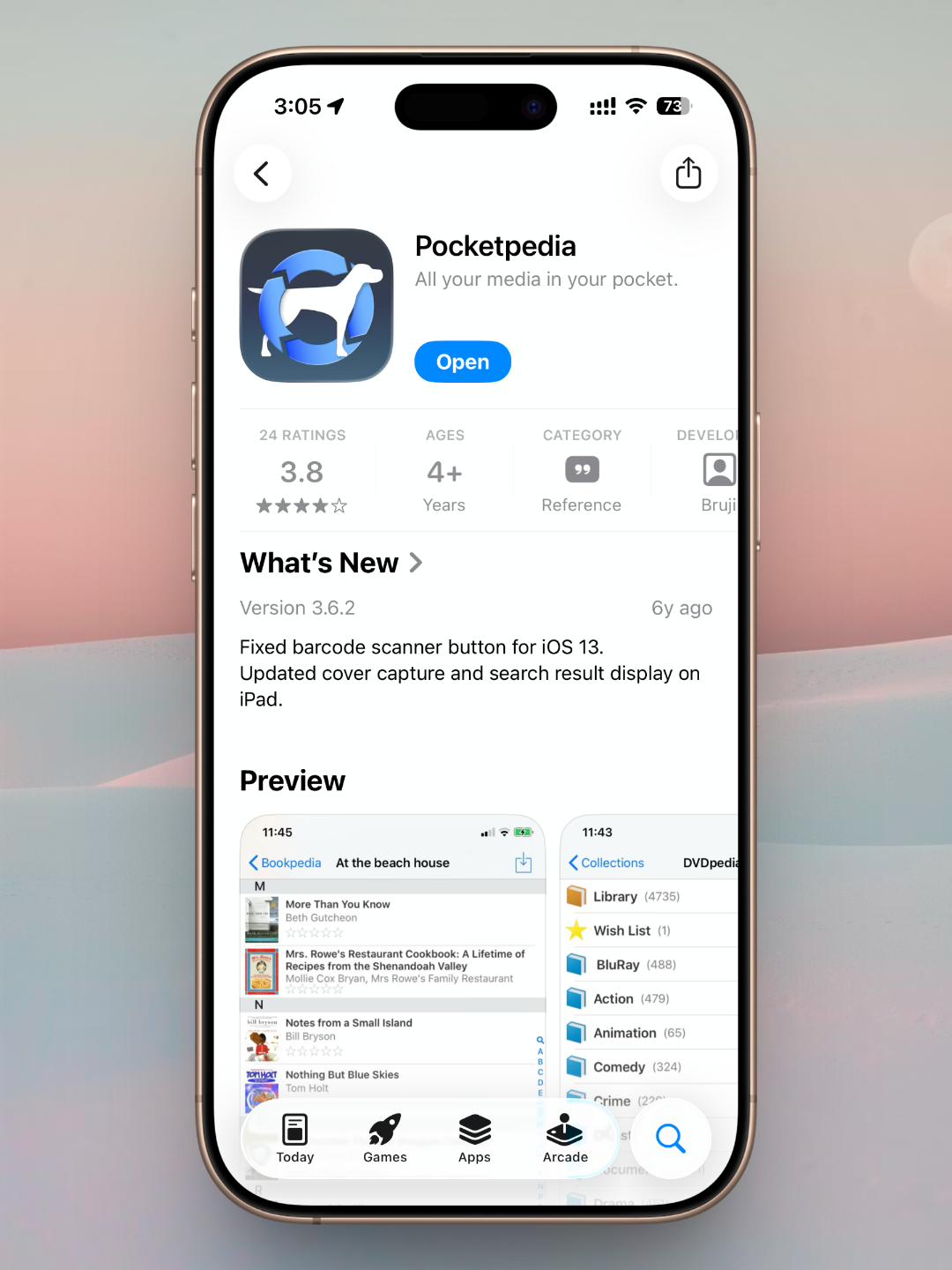
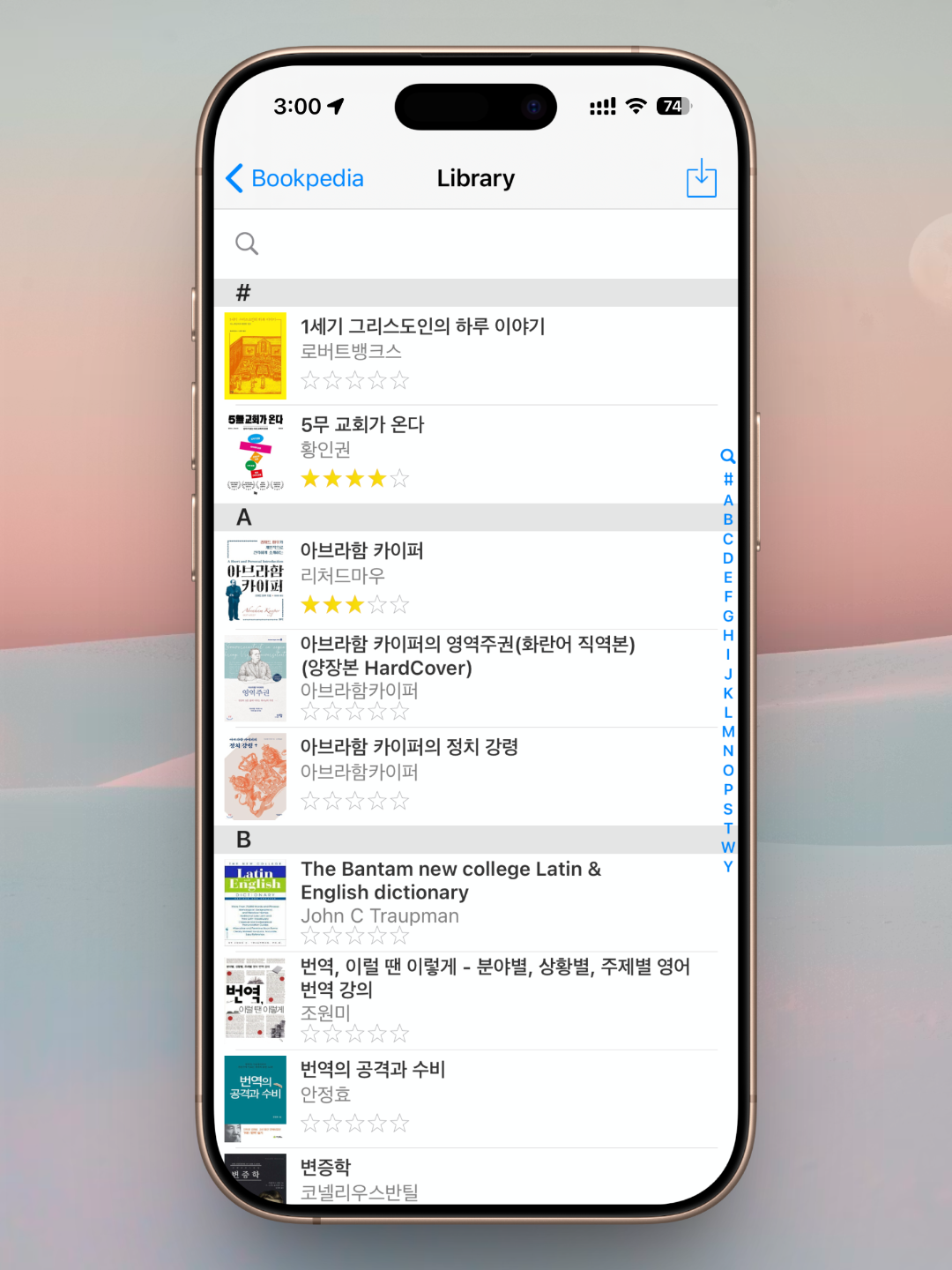
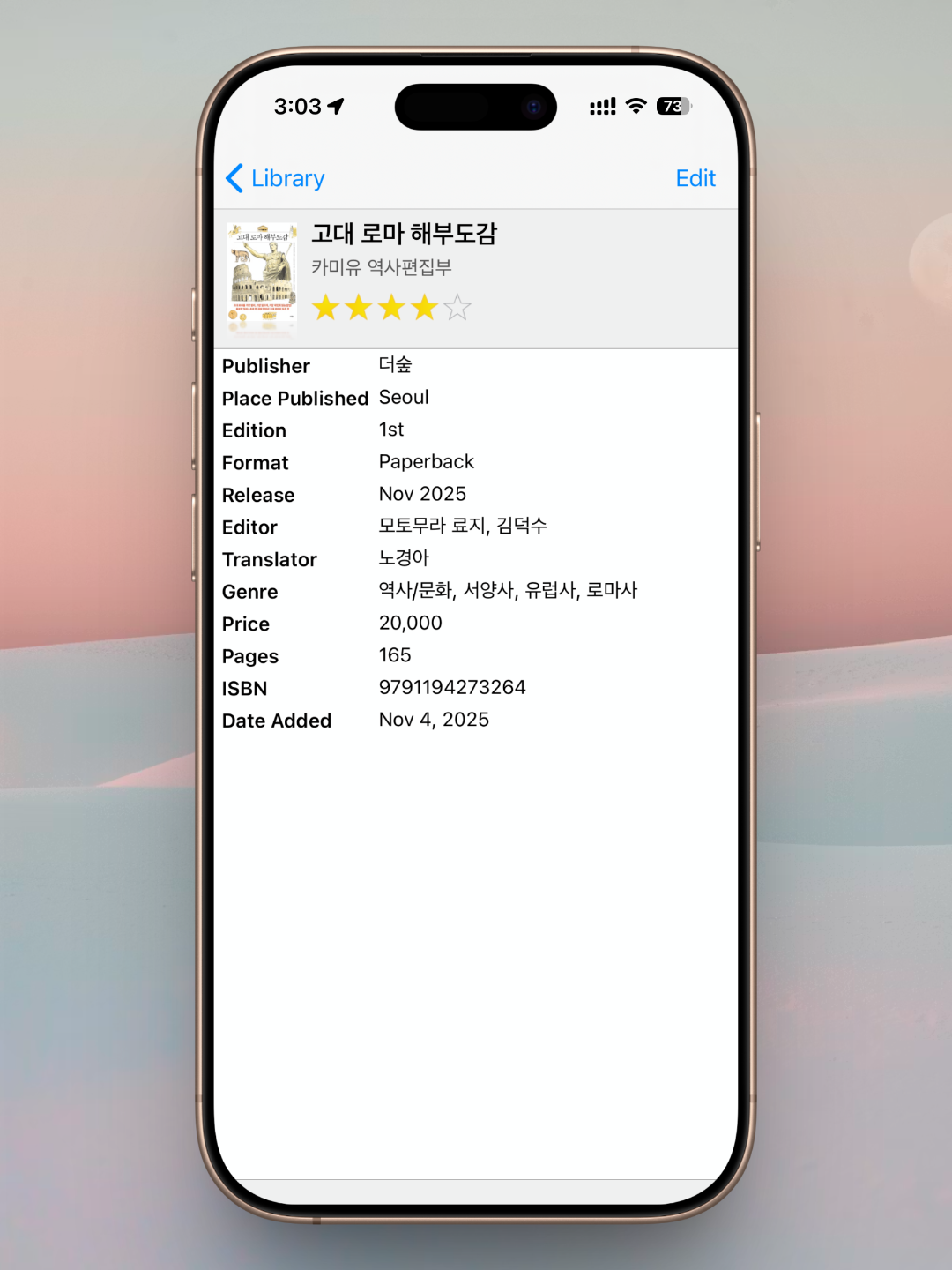
Bookpedia is fundamentally a Mac application, but there are times when I need to check my library while away from my desk. In those cases, Pocketpedia, the companion app for iPhone and iPad, proves invaluable.
After syncing with the Mac version, Pocketpedia allows users to browse their collection, register books, and manage loans and returns directly from their mobile devices. Even without access to a Mac, most of Bookpedia’s core functions remain available, which makes the ecosystem surprisingly flexible.
A Few Lingering Limitations
That said, Bookpedia is not without its drawbacks. The most significant limitation is its dependence on macOS. Without a Mac, the app cannot be fully utilized, and mobile devices alone are insufficient for complete functionality.
Another issue stems from the fact that the app is not primarily designed for Korean-language books. Metadata for newer Korean publications is occasionally missing or incomplete, requiring manual input. Additionally, the interface is available only in English, which may present a minor barrier for some users. Fortunately, the terminology is straightforward enough that usability is rarely compromised.
A Book Management App I Continue to Trust
Despite these limitations, there is a clear reason I have continued using Bookpedia for nearly ten years. In everyday use, its shortcomings rarely interfere with its core purpose. When my collection once grew to several hundred books, I frequently found myself purchasing duplicates or wasting time searching for specific titles. Bookpedia largely eliminated those frustrations.
The lending and returning system, in particular, has changed how I relate to my books. Treating reading as a cycle—borrowing, reading, returning—adds structure and intention to the experience. Over time, Bookpedia has become more than a management tool; it has become an integral part of how I live with books. For anyone seeking a thoughtful way to organize a personal library, it remains the first app I would recommend.
About Author

faith.log
A journal that connects faith and everyday life. In each small piece of writing, we share the grace of God and the depth of life together.


