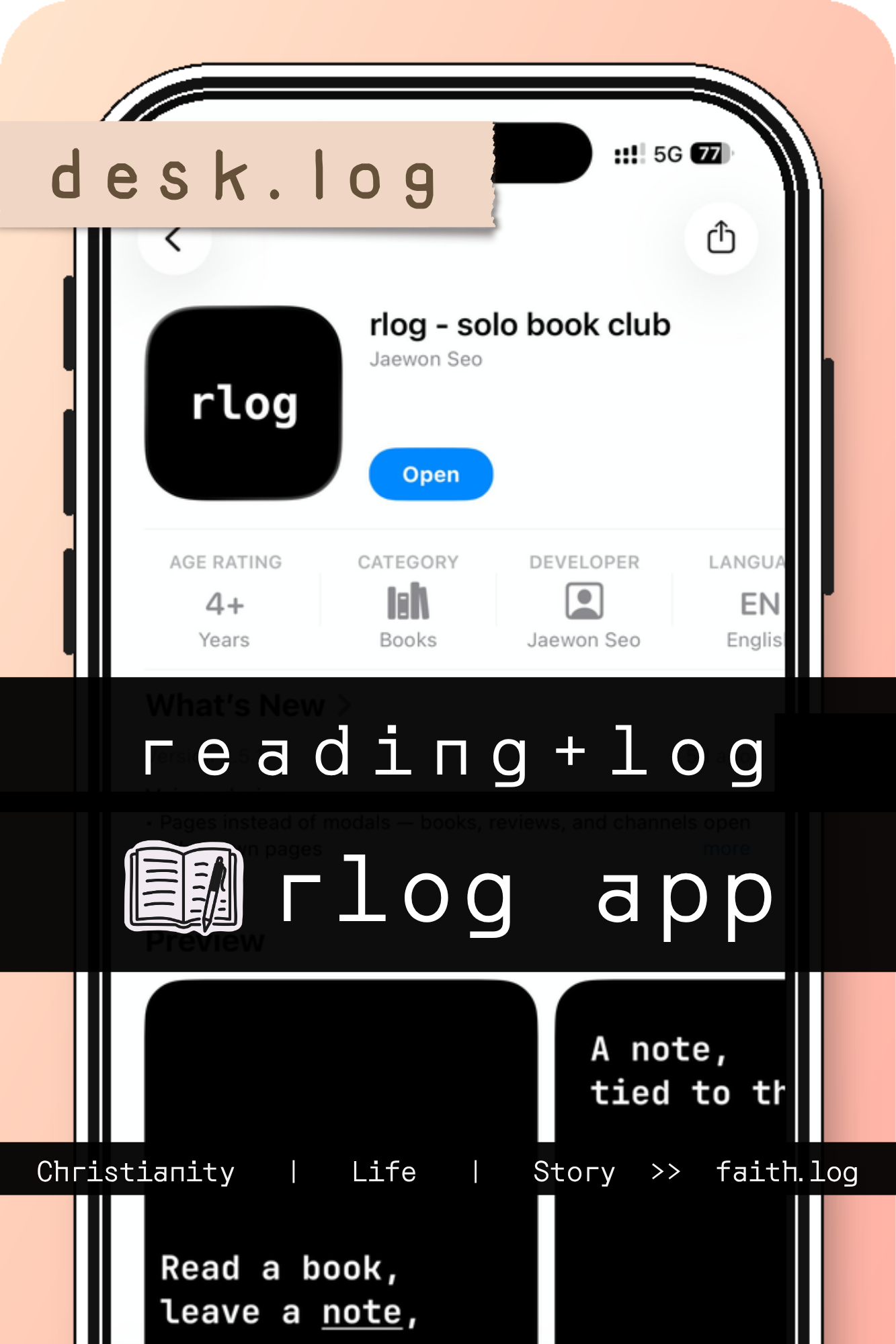
Reading Logs That Stack Like Code
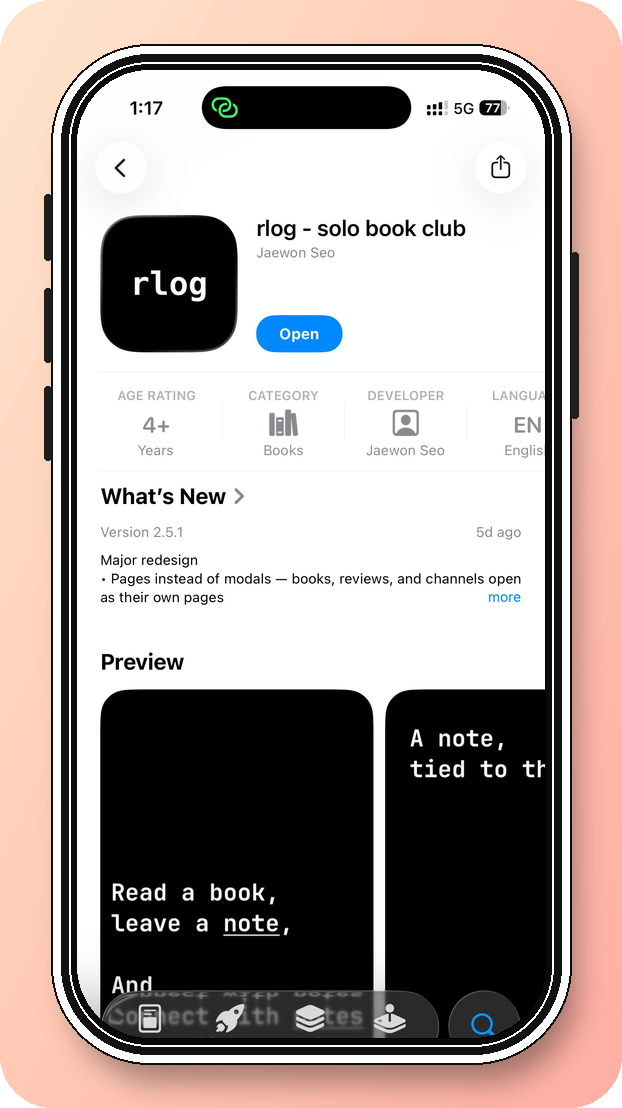

Among all the items I've covered in desk.log, reading tools keep coming back — notebooks, trackers, bookmark systems, apps. The one I'm writing about today is rlog. It's built for readers who love the analog experience of a physical book but want their note-taking to feel genuinely digital — not a skeuomorphic simulation of paper, but something that leans hard into the screen. Beyond simply cataloging what you've read, rlog is designed to capture the actual texture of reading: the feelings, the lines, the questions, the half-formed thoughts that surface mid-chapter and disappear if you don't catch them.
An Interface That Looks Like a Terminal
Most reading apps compete to feel warm and bookish — leather textures, sepia tones, serif type set to evoke a library. rlog goes the other way entirely. Open it, and you're greeted with something that looks closer to a server login prompt than a bedside journal. It's a deliberate aesthetic choice, and it works. The contrast between the analog act of reading and this cold, monospaced interface creates a productive tension that sets the app apart immediately.
The structure is clean. Two tabs: a log tab for personal reading, and a clubs tab for reading groups. There's no learning curve to speak of — the interface is stripped down enough that you're taking notes within minutes of opening it.
The Log Tab: Capturing the Reading Mind
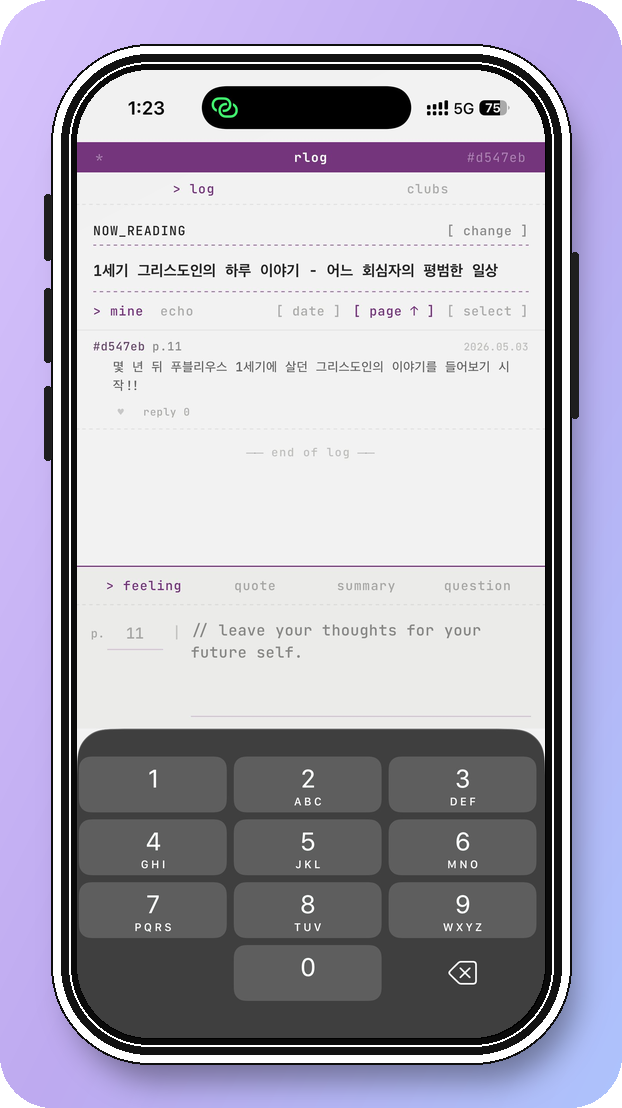
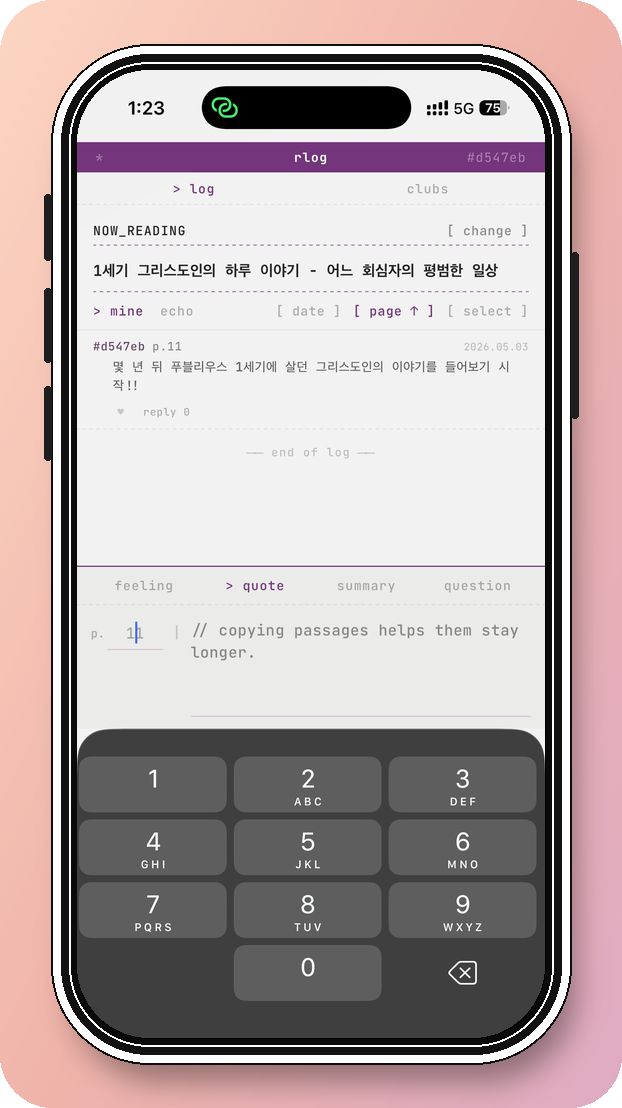
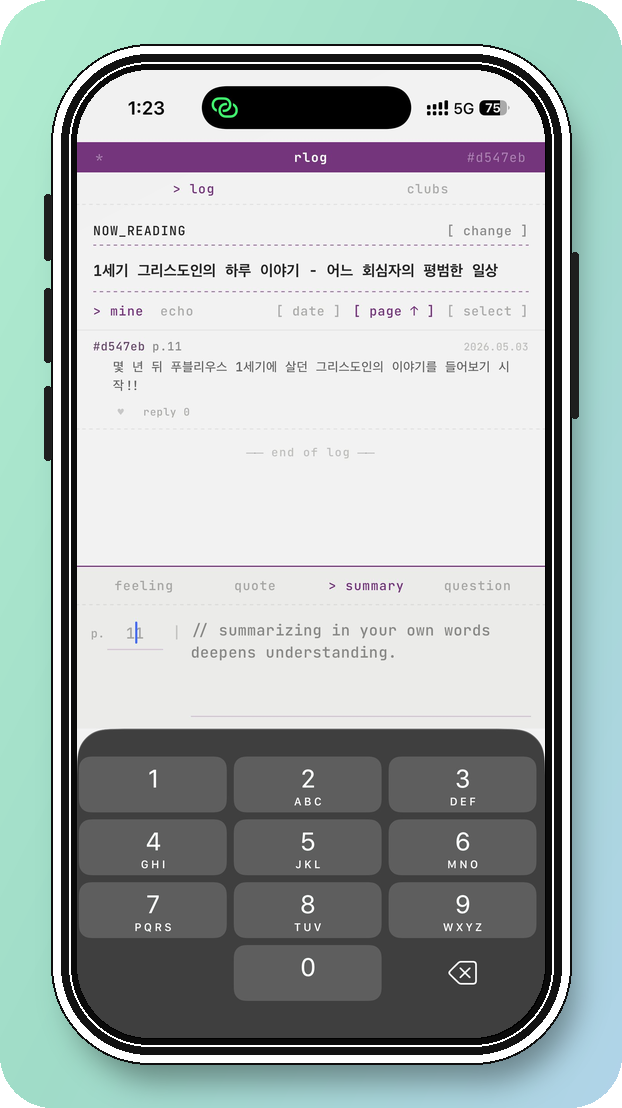
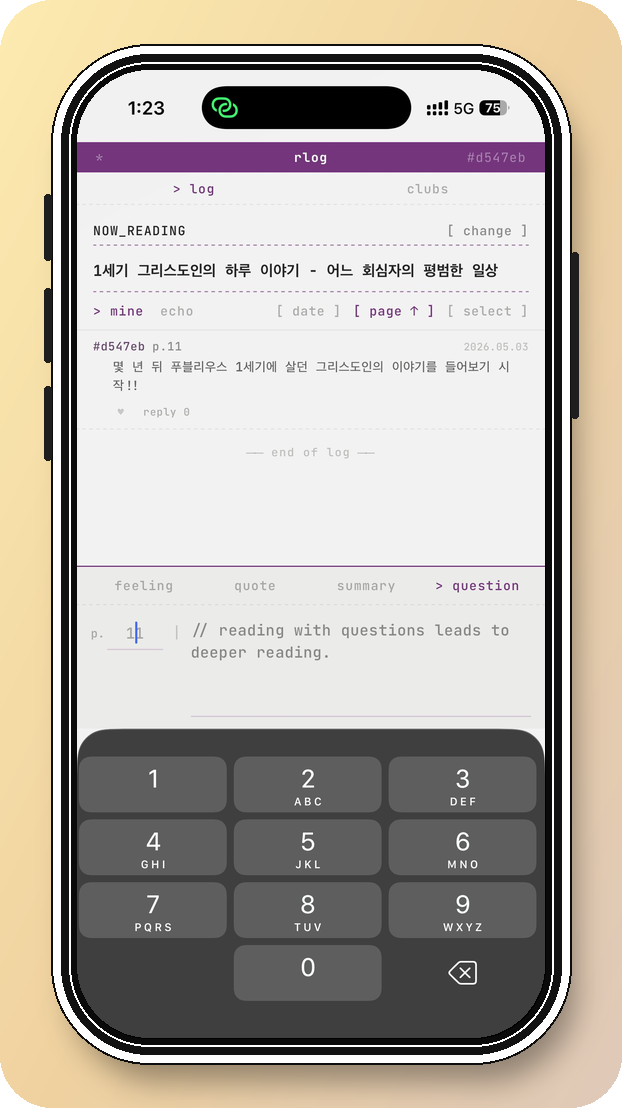
The log tab is where individual reading lives. Adding a book is frictionless — search by title, tap to add. In the rare case a title doesn't appear, there's a manual entry option, though in practice I've rarely needed it. The app's database handles recent releases without issue.
What makes the log tab genuinely useful is how it structures the act of note-taking. After entering the page you're on, you choose from four entry types: feeling, quote, summary, or question. The distinction matters. A feeling is an impression, a gut response to what you've just read. A quote is a line worth preserving. A summary forces you to articulate what happened. A question holds the text open. Each type pulls a different kind of attention from the reader, and cycling through them over the course of a book builds a record that's more like a conversation with the text than a simple log.
Your current page is saved automatically alongside each entry, so the record doubles as a progress tracker.
The app also includes a feature called echo — opt into it, and you can see notes left by other readers working through the same book, while your own entries become visible to them. It's a quiet kind of social reading, unobtrusive but genuinely interesting.
The Clubs Tab: Reading Together, Without the Friction
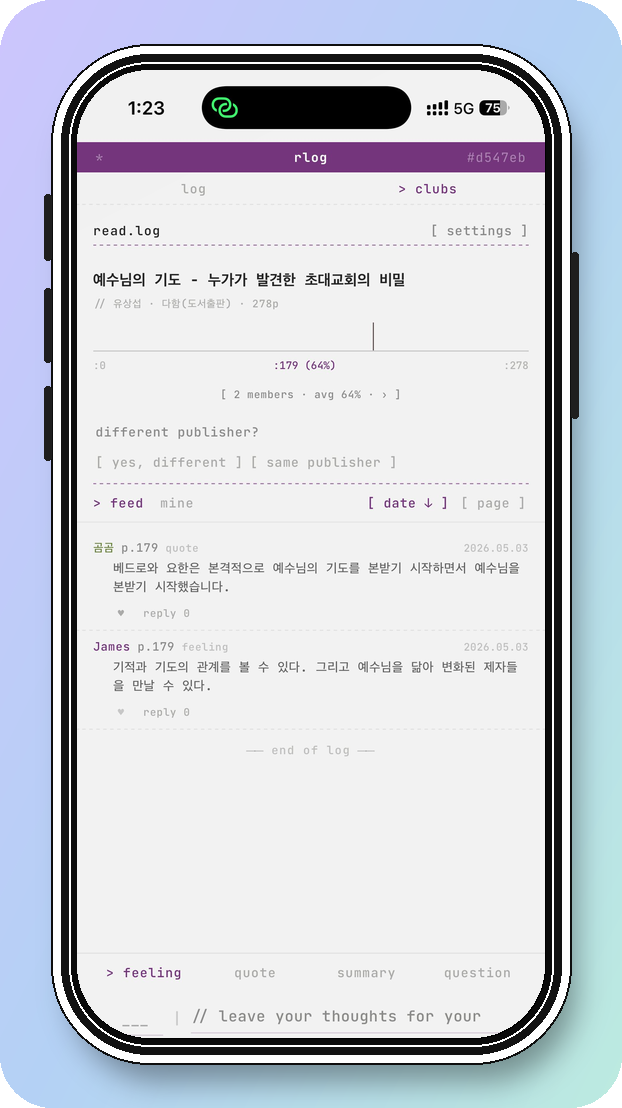
The clubs tab is where rlog separates itself from the competition. Reading groups have long made do with workarounds — group chats, forum threads, band pages — none of which were built for this purpose. Joining a new platform just to share reading notes introduces enough friction that people often don't bother. rlog's clubs tab solves this by integrating communal reading directly into the same interface you're already using for personal logs.
Within a club, members share their entries automatically as they log. There's room for announcements, D-day countdowns toward reading deadlines, and discussion questions posted in advance of group meetings. Likes and replies add a light social layer — enough to sustain momentum between sessions without turning the app into a social network.
One Tool, One Job
I use different apps for different parts of the reading life, and I'm not inclined to consolidate. The best tools do one thing exceptionally well, and rlog's one thing is the note itself — capturing a thought at the exact moment it occurs, tagging it by type, and tying it to a page number so you can find it again.
The app also sends reminders if you go too long without logging, which turns out to be a more effective nudge toward consistent reading than I expected. Small friction in the right direction.
If you're the kind of reader who wants a record of where your mind went — not just what you finished — rlog is worth your time. And if you run a reading group, the clubs tab alone makes it a serious candidate for your next session.
About Author

faith.log
A journal that connects faith and everyday life. In each small piece of writing, we share the grace of God and the depth of life together.


