
Riida: A Reading Tracker That Gets the Fundamentals Right
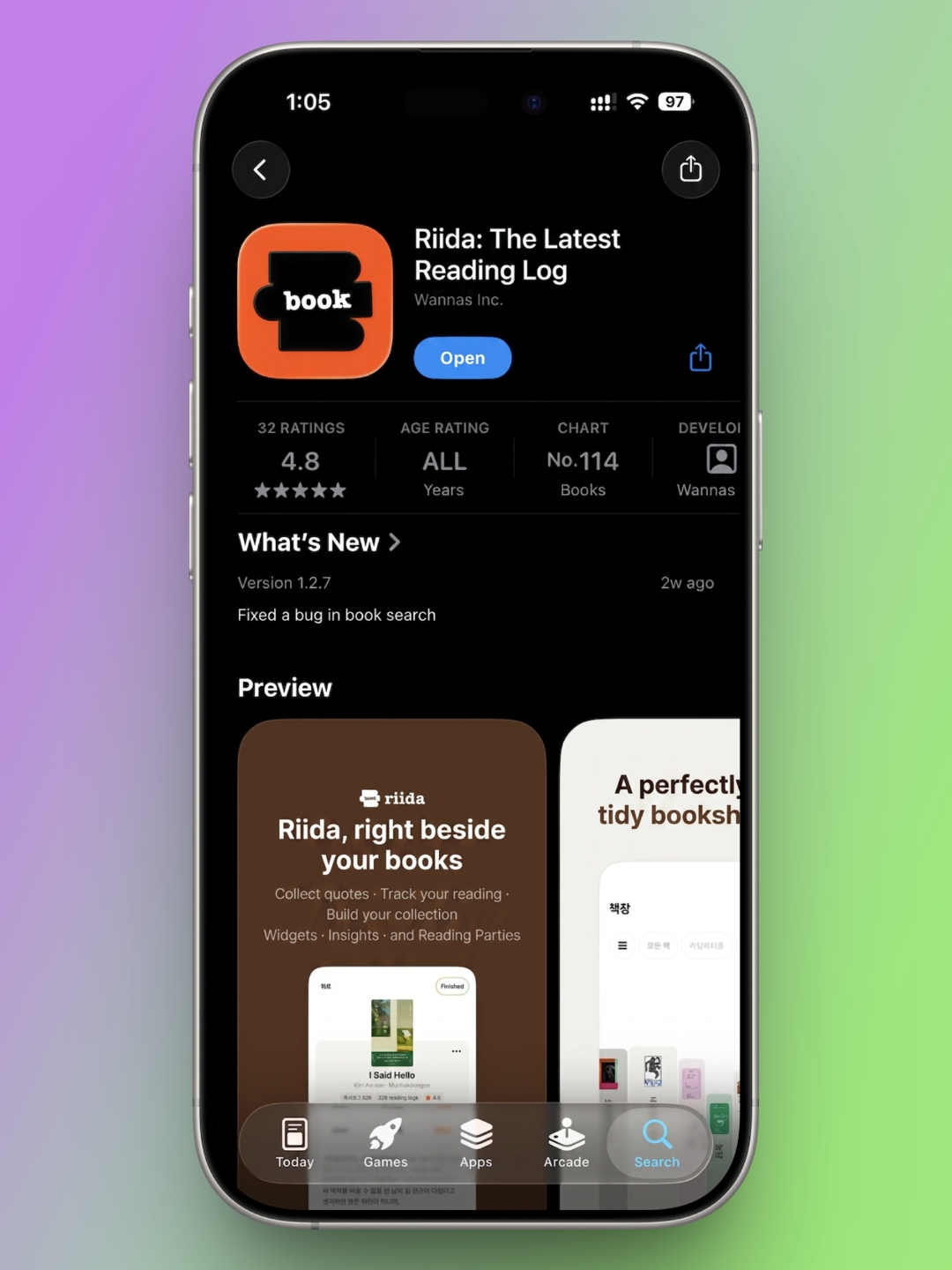
Today's desk.log pick is Riida, a reading-tracker app. Plenty of apps in this category exist, but few let you choose between genuinely different bookshelf layouts. Riida's defining feature is that you can view your library in whichever format suits you, and it backs that up with solid rating and note-taking tools. It works just as well for solo readers as it does for couples, families, friend groups, or book clubs, thanks to a shared "party" feature. Let's walk through what it offers.
The Basics Are Handled Well

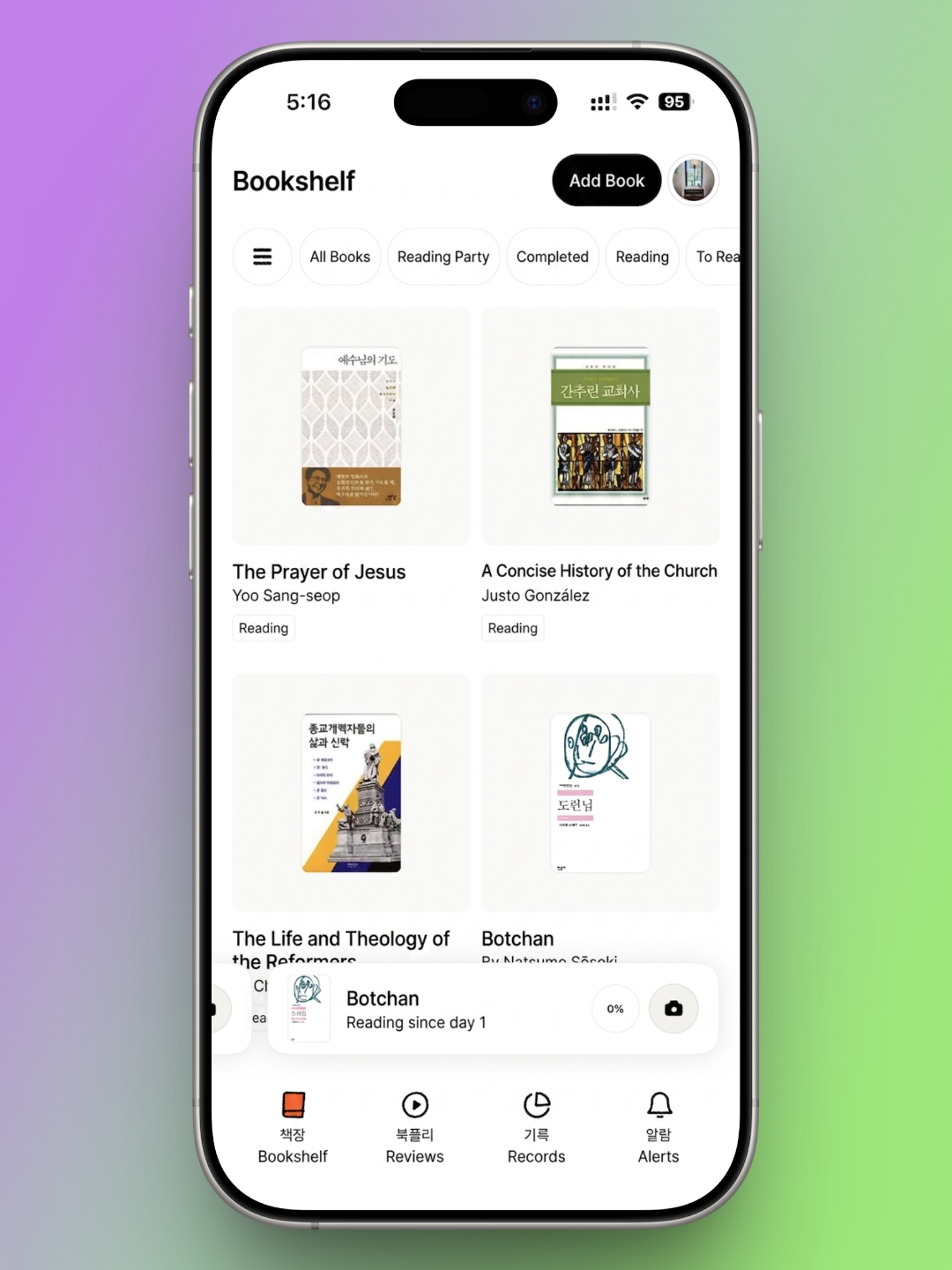

Most reading apps released these days have book registration down to a science, and Riida is no exception — adding and managing books is straightforward. You register a title through search, which pulls from title, author, and ISBN. In practice, I found that even a partial title was enough to surface the right result, so finding and adding books was never a hassle. The one gap is that there's no manual entry option, which means books without an ISBN — self-published titles, academic papers, and the like — can't be added. For most readers working through commercially available books, though, this isn't much of a limitation.
Riida's real strength shows once you start building out your shelf. You can choose among three view types — single-column, two-column, or three-column. The two- and three-column views look much like what you'd find in any comparable app. The single-column view, though, is designed to feel like books actually standing on a shelf, and it gives the app a distinct visual identity. I've kept mine set to single-column ever since.
Registered books can be sorted into All Books, In Reading Party, Finished, Reading, To Read, and Paused, which makes it easy to see at a glance what you're currently interested in and what you've already worked through. The only real shortcoming in this core functionality is the missing manual-entry option.
Every Book Leaves a Trail of Logs

Once a book is added, Riida lets you track it in detail as you read. You can log the date you started and the date you finished, and while a book is in progress, it stays visible at the bottom of your main shelf — a small but genuinely useful touch. Ratings run from 0.5 to 5 stars, so once you've finished a book, you can leave a quick assessment and revisit it easily later.
Note-taking runs through what the app calls "logs," which come in two forms: quote collection and memos. Quotes can be typed in manually, but the standout feature here is the camera-based text extraction — it makes capturing a key passage almost effortless, and it's the detail I've come to appreciate most. Memos are for whatever comes to mind while reading: a passing thought, something worth remembering, a chapter summary. You can filter your logs to see only quotes, only memos, or everything together.
Reading Parties Suit Any Kind of Group

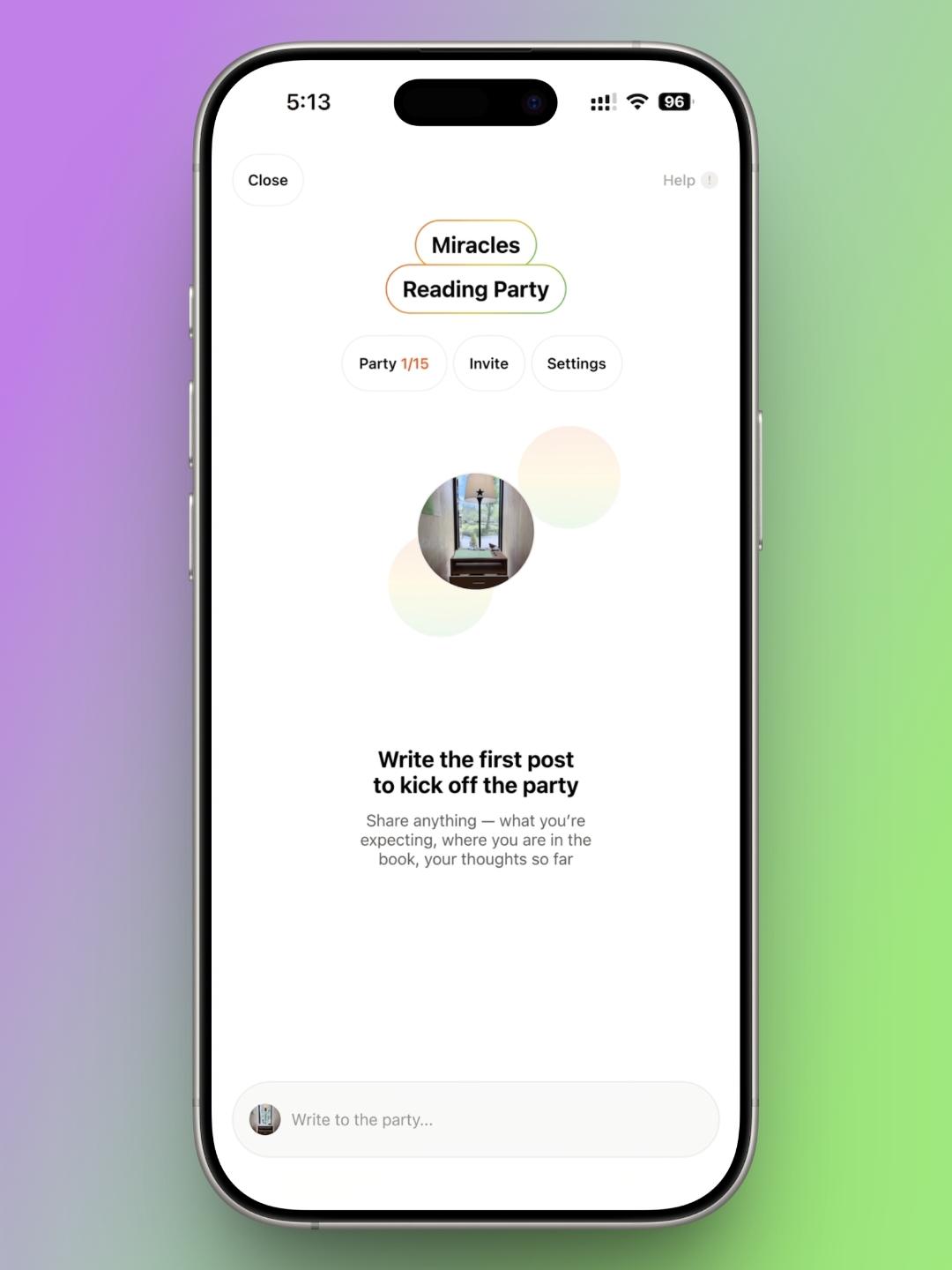
On the log screen for any given book, there's a feature worth calling out: Reading Parties. It's built for friends, couples, families, or book clubs. One person creates the party and sends an invite link, and everyone in the group can post and talk together from there. You can't see exactly what page each member is on, but you can leave light notes on what you've read and discuss it as a group. In short, it functions as a group chat room embedded inside the app itself.
Ordinary messaging apps tend to drift — conversation strays from the book at hand into everything else — but Riida's Reading Party keeps the focus squarely on the book being read. That's a real advantage. It falls short, though, as a tool for a formal book club: there's no way to post announcements, set a reading deadline, or track how far along each member is, so it doesn't cover everything a structured reading group would need. Even so, it's well suited to reading and talking about a book together in a low-key way.
BookPli Organizes Your Reading Like a Music Playlist
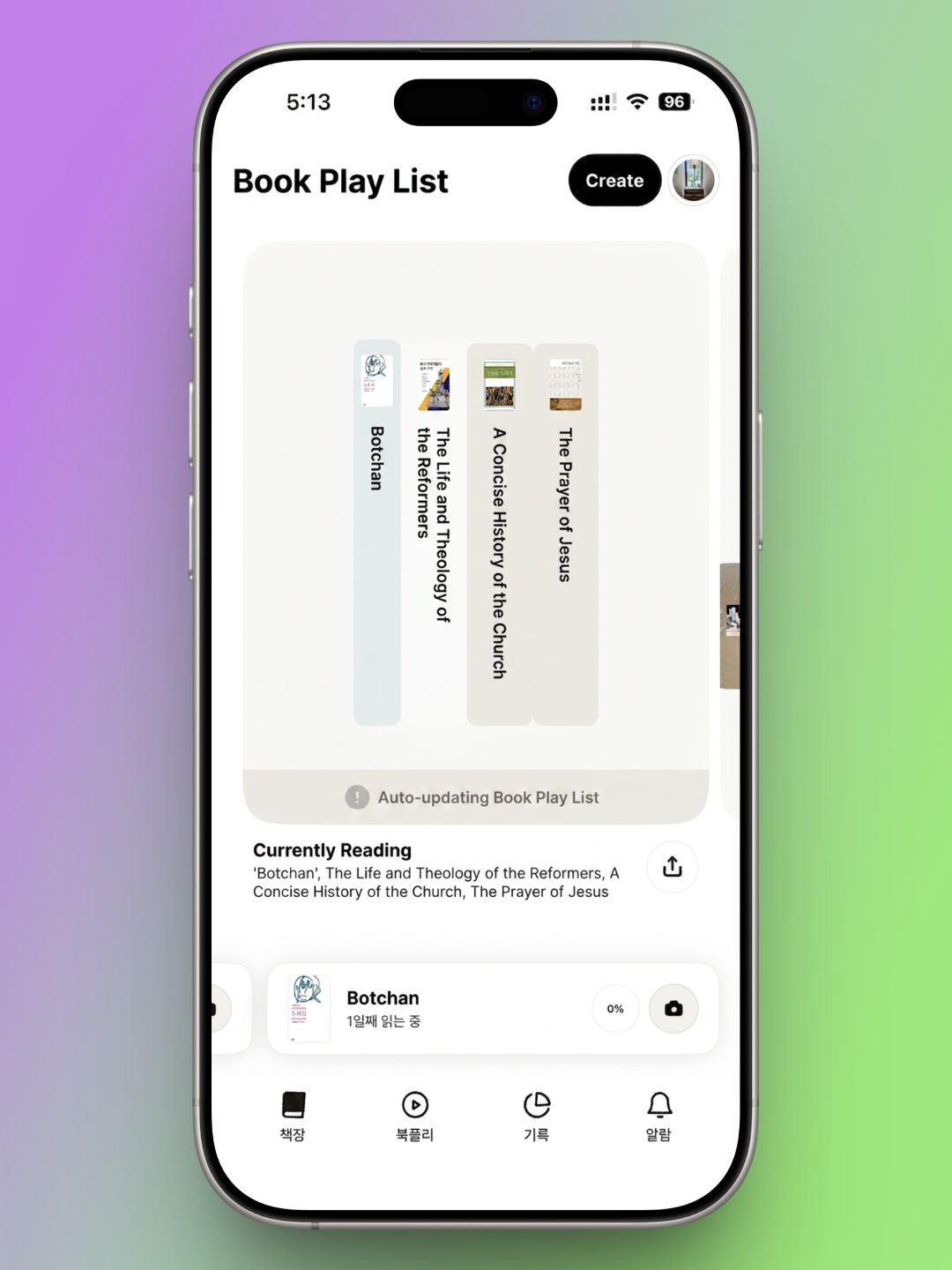
Riida's other standout feature is BookPli. Anyone who uses a music app is familiar with building a personal playlist — BookPli applies that same idea to reading. Whatever you're currently reading updates into BookPli automatically, which is especially convenient if you tend to read several books in parallel.
Beyond that, you can also build and save your own custom reading playlists, or share them with others. I like grouping books around a theme, or sorting a single author's work by category — a BookPli titled "Novels Set in Bookstores," say, or "The Novels of C.S. Lewis." Once it's set up, it's there whenever I need it. I'm often asked for book recommendations, and having a ready-made BookPli to share makes that much easier.
A Reading Tracker That Nails the Fundamentals
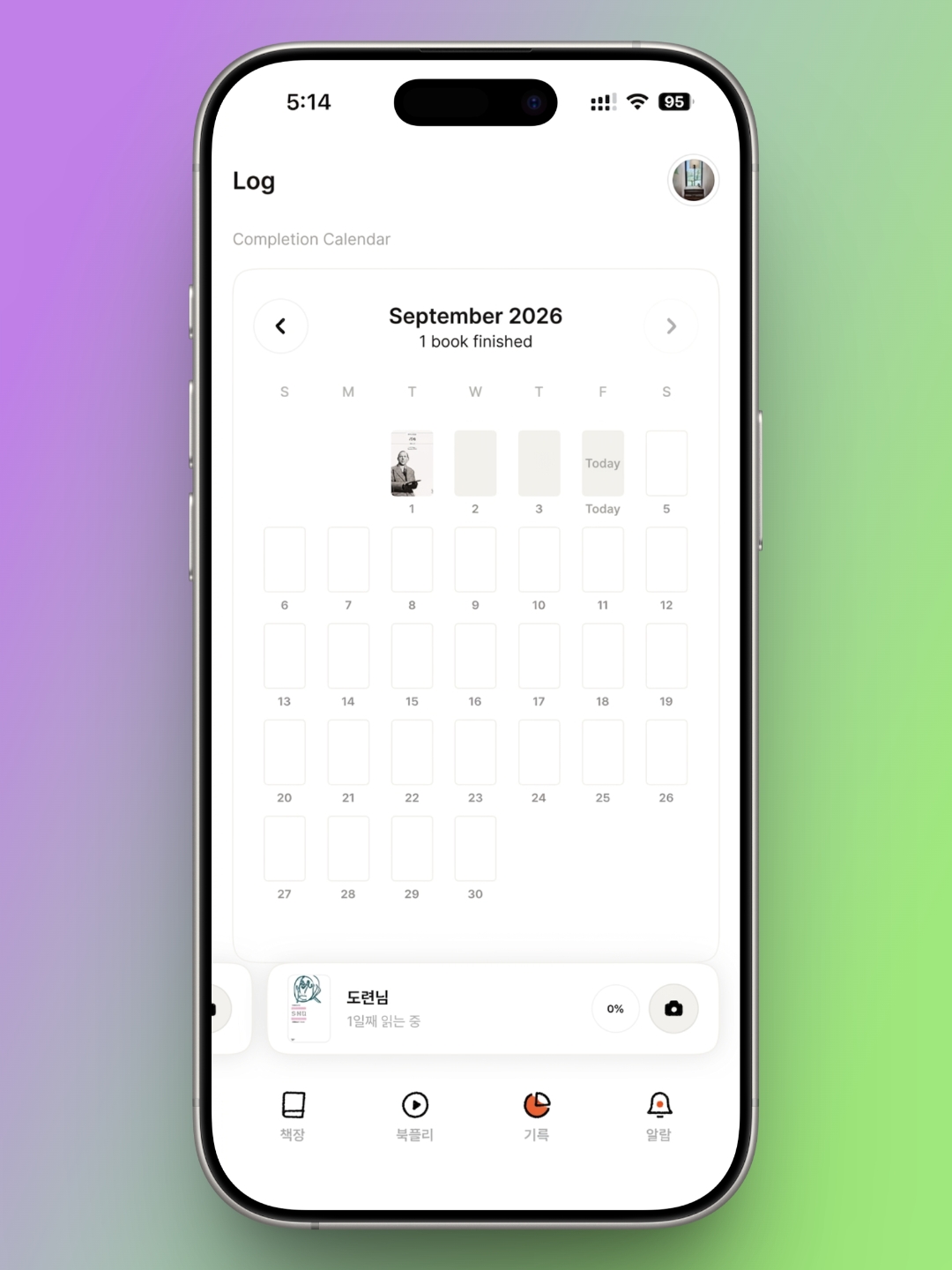
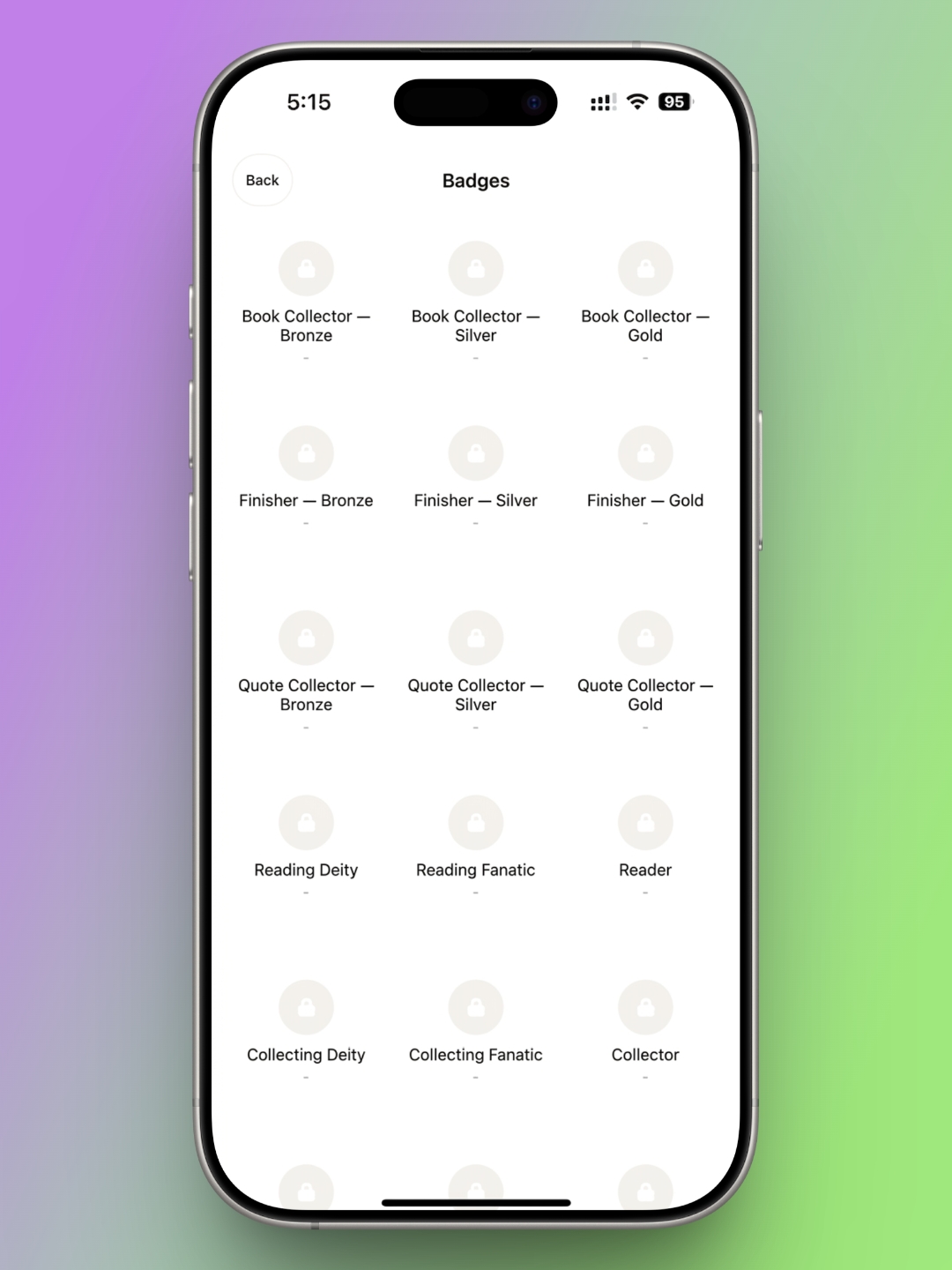
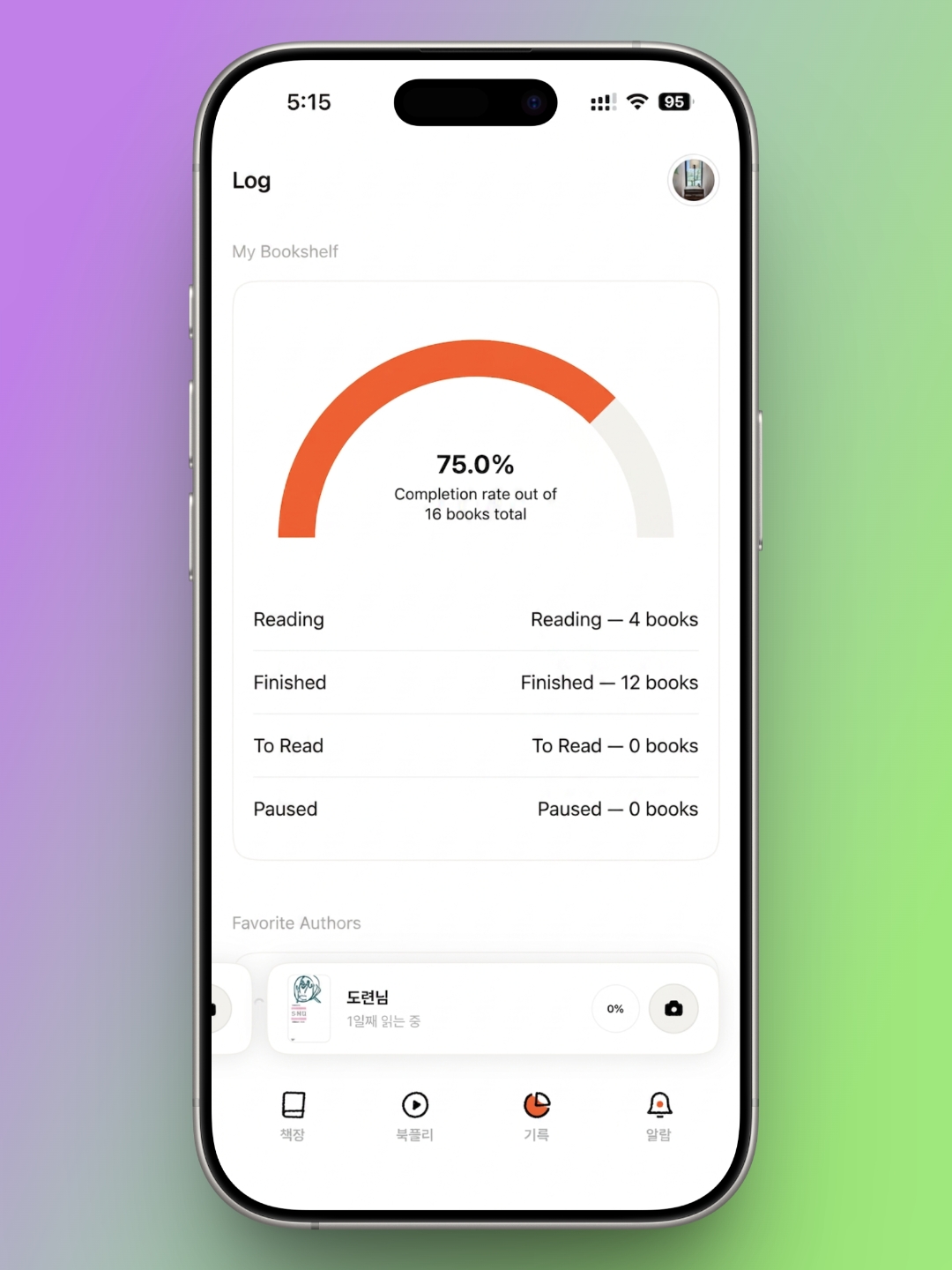
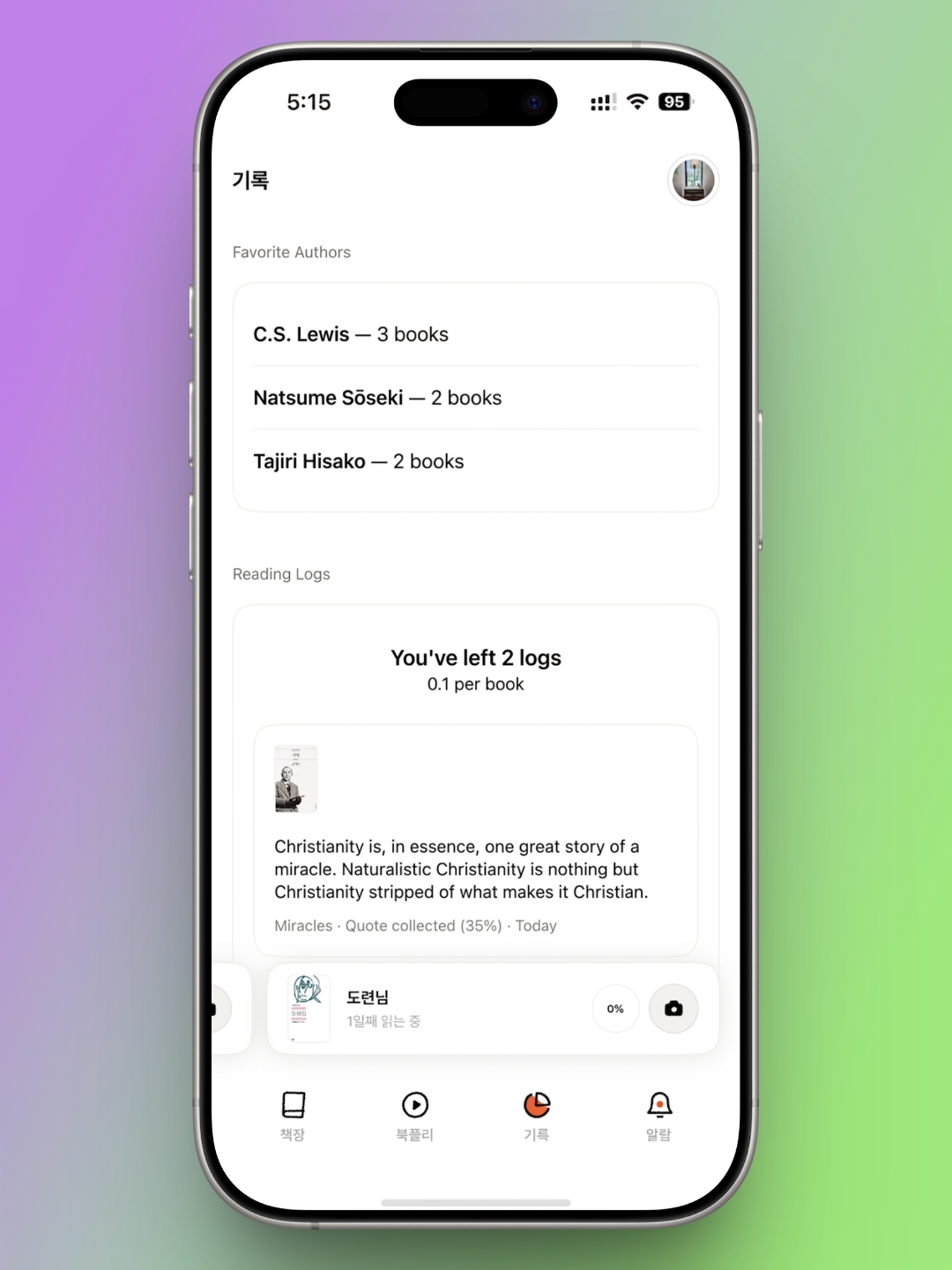
Riida delivers everything a reading-tracker app ought to have. Beyond the features covered above, it includes a completion calendar for tracking finished books month by month, a stat that shows what percentage of your library you've completed, and a running list of your favorite authors. If you're not looking for an app built around one narrow feature but rather one that covers the basics well and consistently, Riida is a solid choice.
About Author

faith.log
A journal that connects faith and everyday life. In each small piece of writing, we share the grace of God and the depth of life together.
'EN Edition > desk.log_EN' 카테고리의 다른 글
| Check-InOut: A Reading-Log App With a Few Tricks Up Its Sleeve (0) | 2026.10.05 |
|---|---|
| desk.log | Dolgalpi: A Reading Log App That Keeps Things Simple (0) | 2026.08.05 |
| desk.log | A Shelf You Can Carry: 'Bbaegok' a Reading-Log App (0) | 2026.07.05 |
| desk.log | Reading Accessories Worth the Desk Space — still i read (0) | 2026.06.05 |
| desk.log | Reading Logs That Stack Like Code, rlog app (0) | 2026.05.05 |


