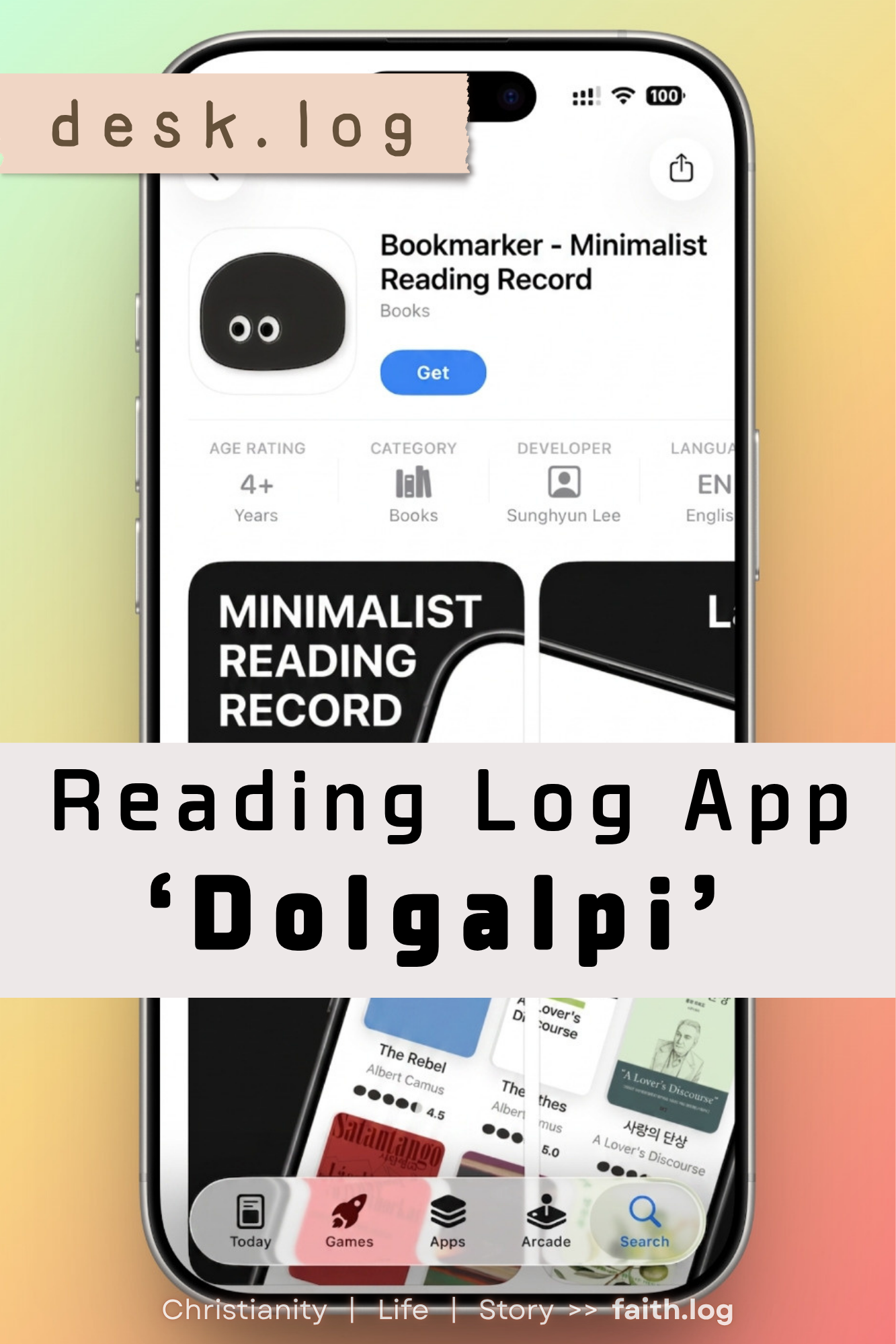
Dolgalpi: A Reading Log App That Keeps Things Simple

Today's desk.log pick is Dolgalpi, a reading-tracker app. Its icon, and the character that greets you when you open it, is shaped like a small black stone — a nod to the name itself, which fuses "stone" (dol) with "bookmark" (galpi). The app's greatest strength is a UI that stays simple without sacrificing usability. For a reading log, that lightness matters more than almost anything else, since the whole point is being able to jot something down the moment you finish a page. Here's a closer look at what it does well.
Adding a Book Takes One Search
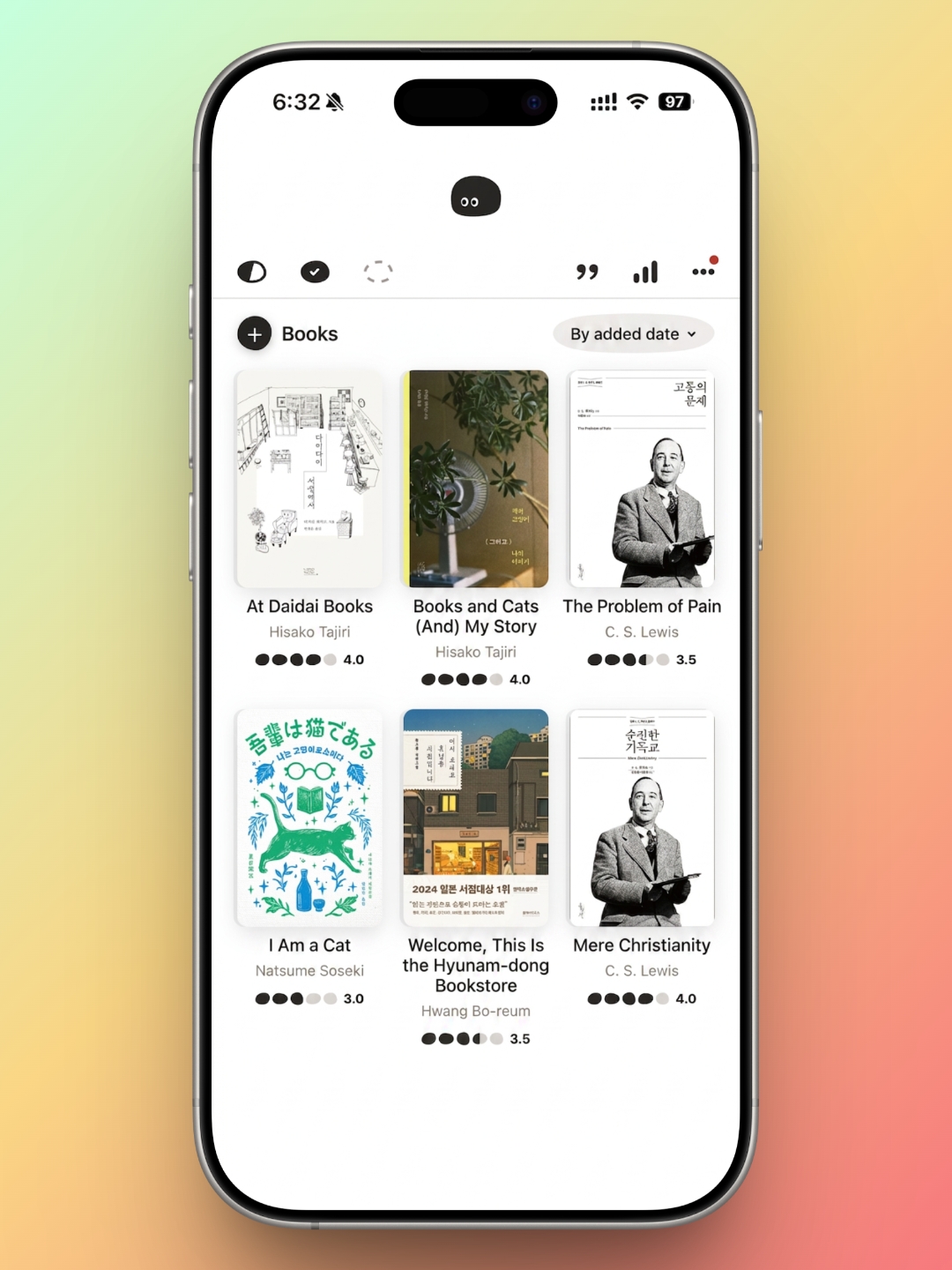

Open Dolgalpi and a plus button sits in the top left of the home screen. Tap it, and you can register a new book right away, either by searching or entering the details by hand. Most people will search by title or author, and the search works well: click the result and the title, author, and publisher fill in automatically.
The cover image comes along with that information too, so the book sitting in your library actually looks like the book on your shelf. If you'd rather use your own photo, the app lets you pull one from your camera roll instead, which comes in handy for books that don't show up in the database or for anything more personal you want to track.
Dates, Ratings, and the Details in Between

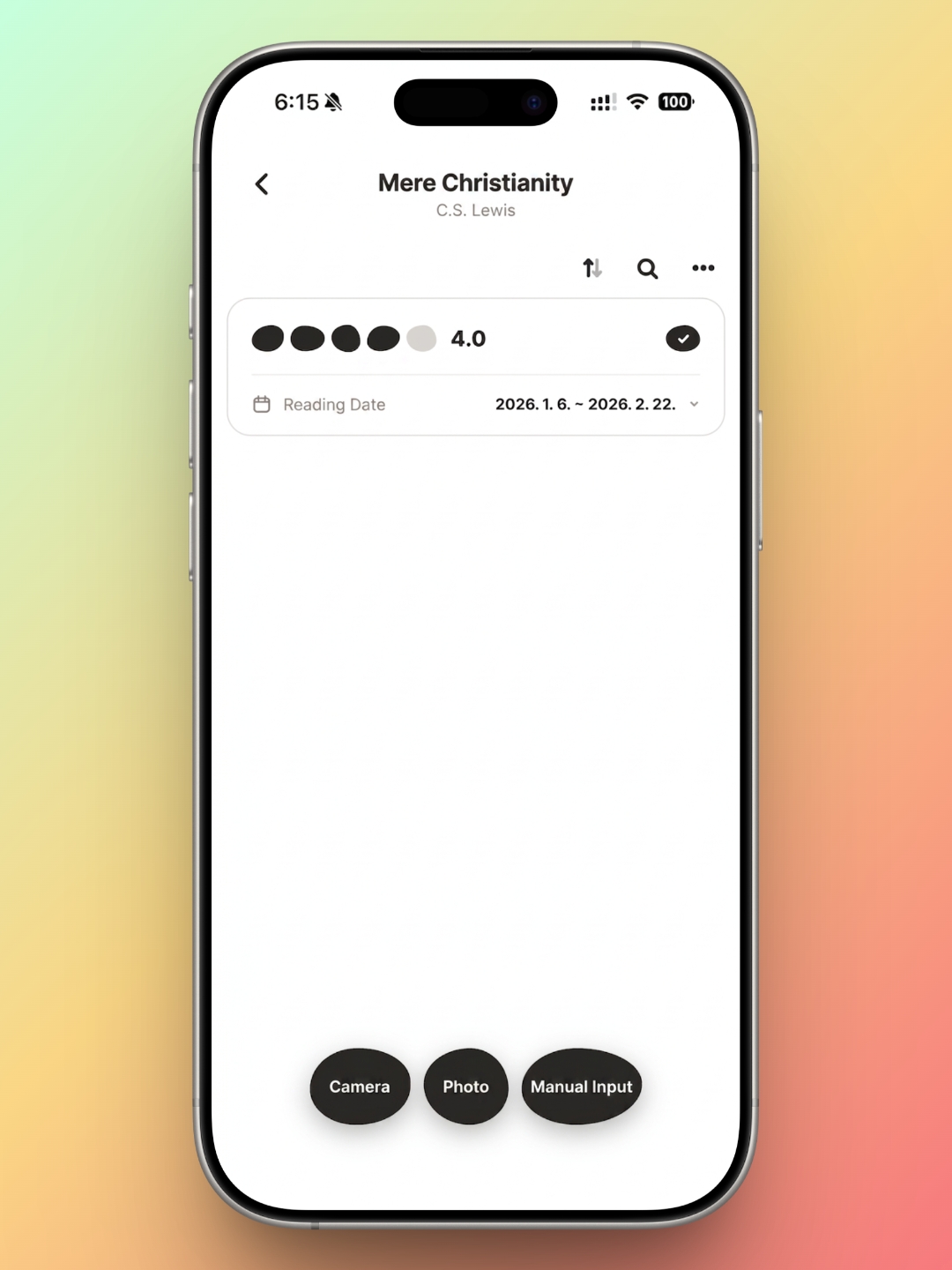
Once a book is added, you can fill in the basics: when you started it and when you finished, which is the backbone of any reading log. You can rate it too, and Dolgalpi's own touch is that the rating fills in as little stones rather than stars — a small detail, but a fitting one. Ratings go up to five, in half-point increments, which allows for more precision than most apps bother with.
The Camera-to-Text Memo Feature Is the Real Standout
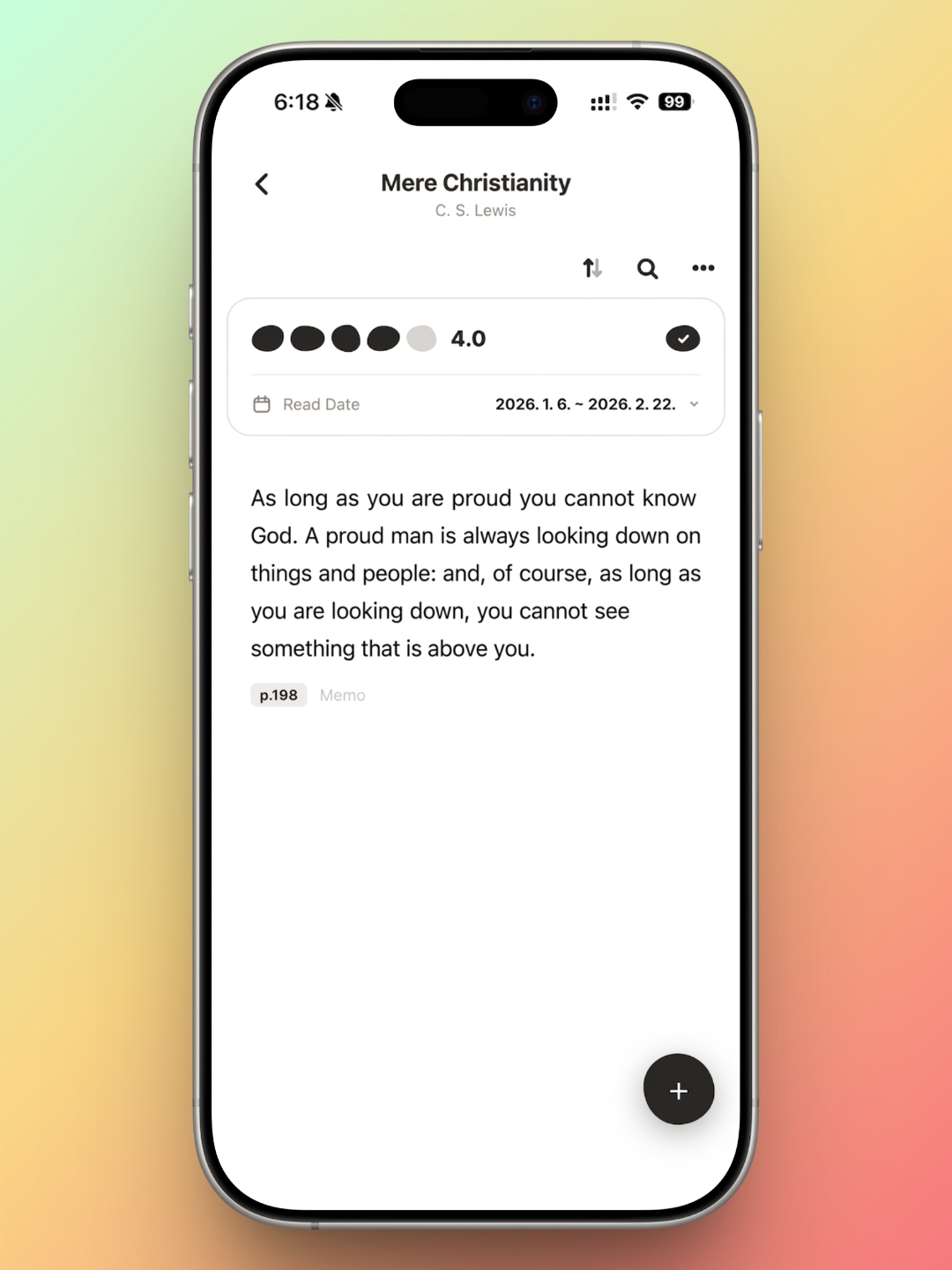

My favorite feature by far is how the app handles notes. Like most reading apps, you can type a memo directly, but Dolgalpi also lets you snap a photo — either live through the camera or from an existing picture — and it will pull the text straight off the page. Point the camera at a line that stops you in your tracks, and it's already sitting in your notes before you've had time to lose your place. This alone sets it apart from most of the reading apps I've used.
Anyone who reads regularly knows the tension: stop to write something down, and you lose the thread of the book. Dolgalpi's text recognition solves that by making the pause almost instant. For me, that's reason enough to keep coming back to this particular app over the others.
Monthly and Yearly Views, at a Glance

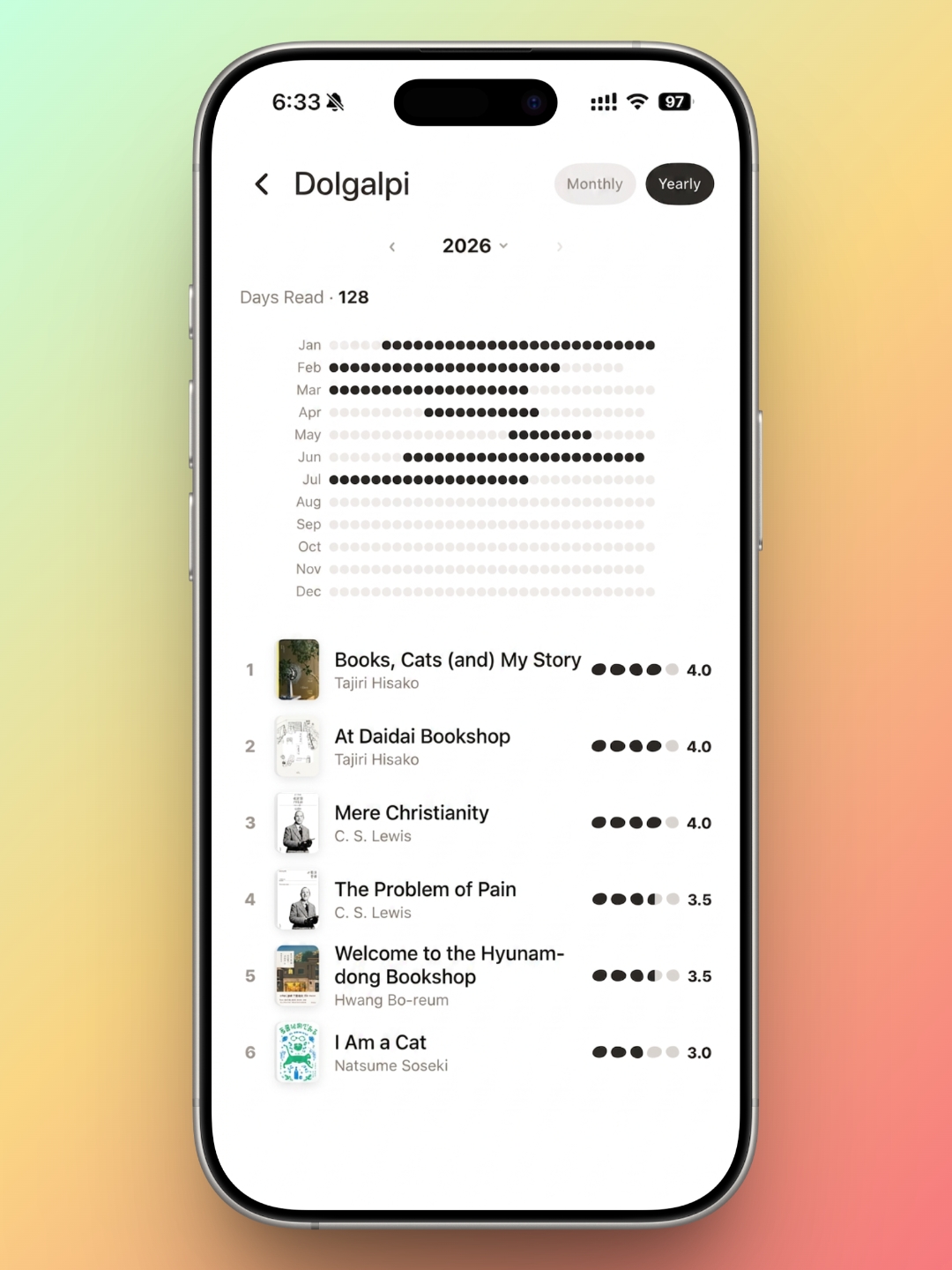
Tracking how much you're reading day to day is handled just as simply. The app gives you both a monthly and a yearly view. The monthly view takes the shape of a calendar, marking which books you read and over what stretch of days, so the whole month is visible at a glance. You can choose how those days are marked — filled-in black stones by default, or the actual cover of the book you were reading — whichever suits you.
The yearly view uses the same black-stone marks and tallies up the total number of days you read across the year. One limitation is worth flagging: the marked days span from the date you started a book to the date you finished it, rather than the specific days you actually opened it. So if you're hoping to use this to build a daily reading habit, it won't get you all the way there.
Still, both the monthly and yearly views list every book read in that stretch at the bottom of the screen, ratings included, which makes it easy to look back and see what you got through and how it landed.
A Reading App That Keeps Only What Matters
Dolgalpi isn't reinventing the reading-tracker app. What it does is strip away the features nobody actually uses and keep the ones people reach for every day, which makes it an easy app to open without thinking twice. The camera-to-text memo feature alone is worth the download. The interface is clean and understated, which will suit anyone who prefers a design that stays out of the way. And in daily use, it's fast and stable — no lag, no bugs worth mentioning.
About Author

faith.log
A journal that connects faith and everyday life. In each small piece of writing, we share the grace of God and the depth of life together.
'EN Edition > desk.log_EN' 카테고리의 다른 글
| Check-InOut: A Reading-Log App With a Few Tricks Up Its Sleeve (0) | 2026.10.05 |
|---|---|
| desk.log | Riida: A Reading Tracker That Gets the Fundamentals Right (0) | 2026.09.05 |
| desk.log | A Shelf You Can Carry: 'Bbaegok' a Reading-Log App (0) | 2026.07.05 |
| desk.log | Reading Accessories Worth the Desk Space — still i read (0) | 2026.06.05 |
| desk.log | Reading Logs That Stack Like Code, rlog app (0) | 2026.05.05 |


